CHAPTER 5 Moving Info Between Your Handheld and Your Computer
Tungsten™ E2 Handheld
69
When would I use each method?
The method you use to move info onto your handheld depends on the type of info it is. Here are
the methods to use with the most common information types.
0
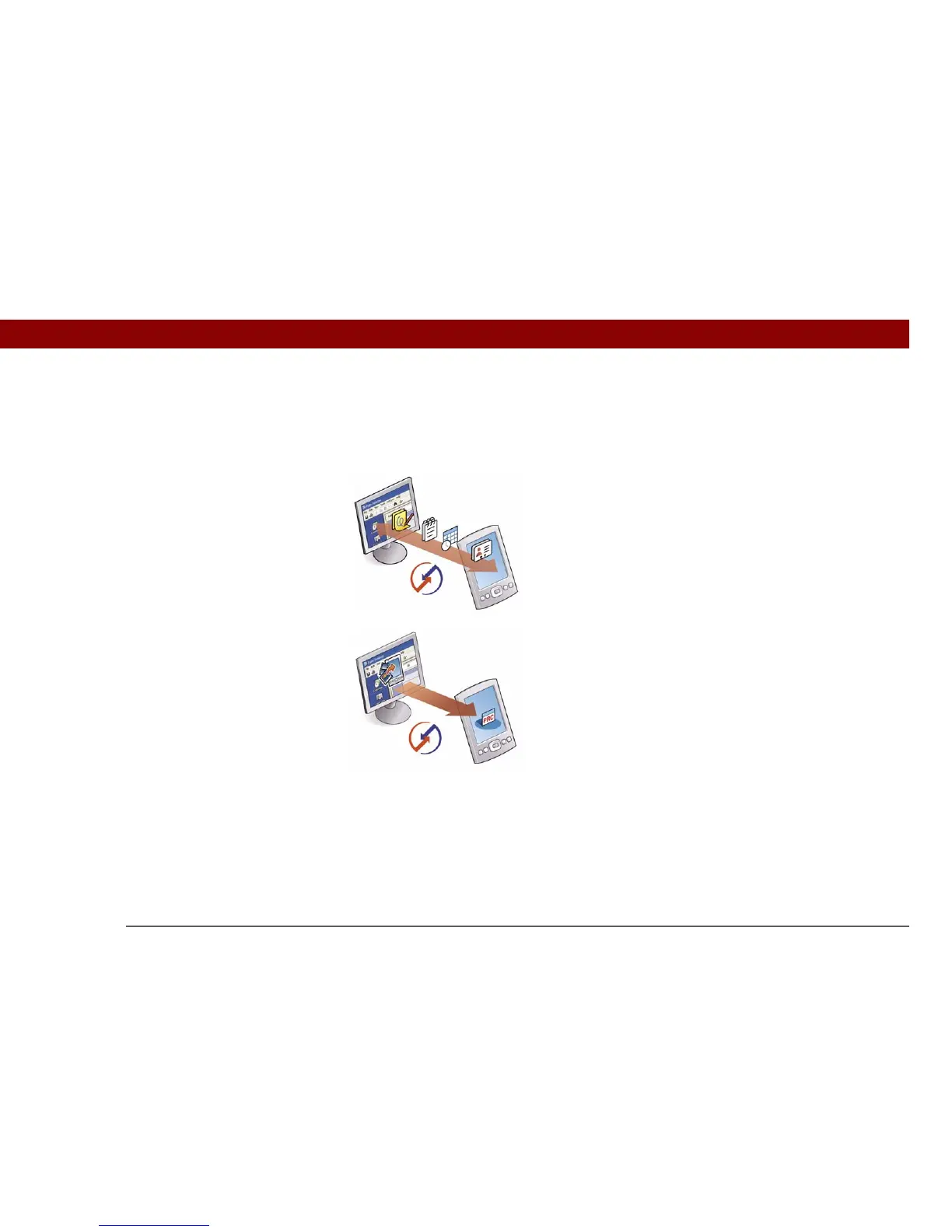
Information in Contacts, Calendar, Tasks, Memos, Note Pad
(Windows only: Expense, VersaMail) Use Palm Desktop or
Outlook (Windows) to enter information on your computer.
Synchronize to transfer the new or updated information on
your computer to your handheld.
Applications (PRC or PDB file) Use Quick Install from
within Palm Desktop (Windows) or drag the application to
the Send To Handheld droplet icon on your desktop (Mac),
and then synchronize to install the application on your
handheld.



 To Next Page