Tungsten™ E2 Handheld 70
CHAPTER 5 Moving Info Between Your Handheld and Your Computer
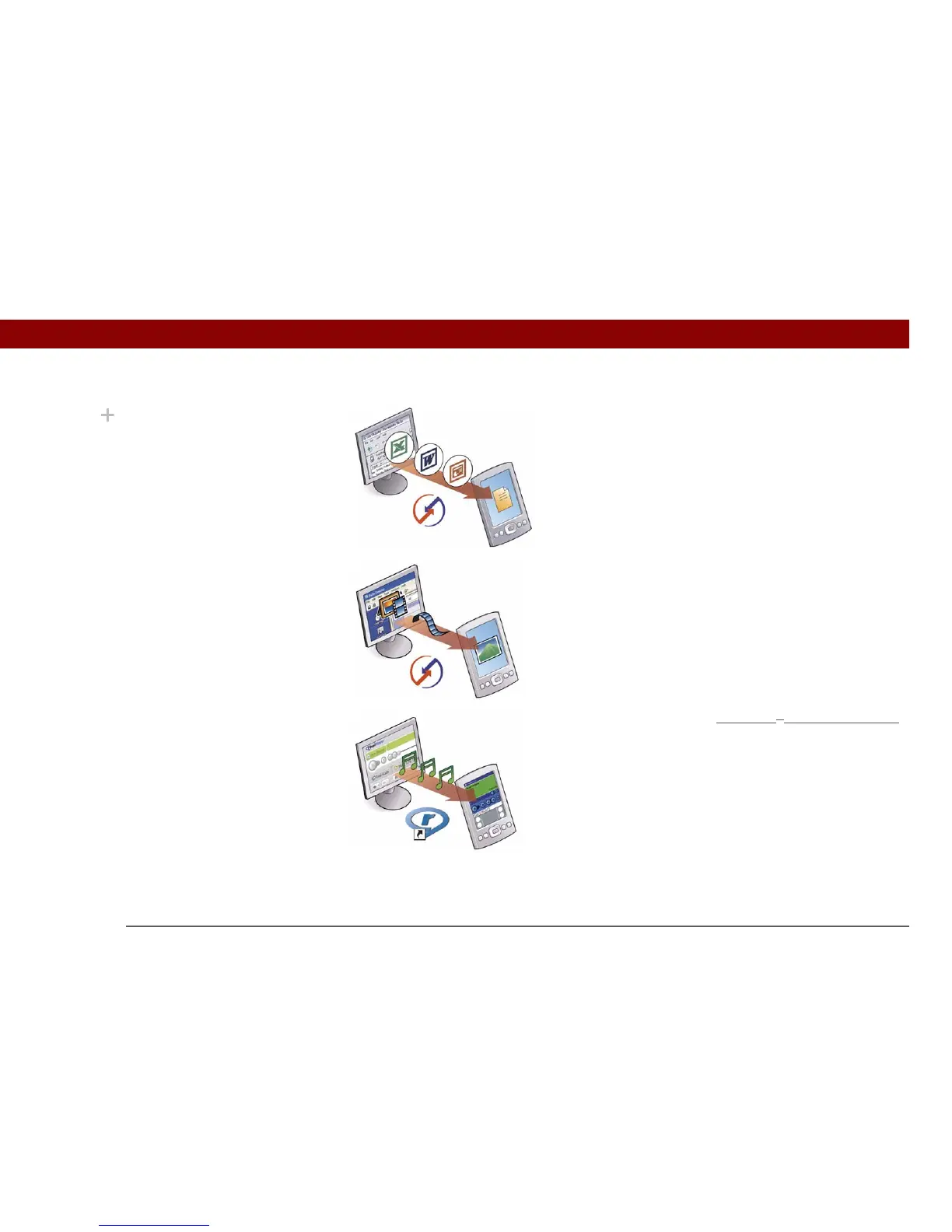
Word documents, Excel spreadsheets, PowerPoint
presentations Use the Documents To Go application on
your computer or the Documents application in Palm
Desktop software (Windows only). Synchronize to transfer
the files from your computer to your handheld.
Photos and videos Use the desktop Media application
from within Palm Desktop (Windows) or drag the files to the
Send To Handheld droplet icon on your desktop (Mac).
Synchronize to transfer the files from your computer to your
handheld.
Music (MP3) files Use the RealPlayer
®
desktop application
(Windows) to transfer the files to the Music folder on your
handheld’s expansion card, or drag the file to the Send To
Handheld droplet icon on your desktop (Mac), and then
synchronize to transfer the files from your computer to your
handheld.
Did You Know?
When you transfer
photos and videos using
the desktop Media
application, the files may
be converted for viewing
on your handheld.



 To Next Page