Tungsten™ E2 Handheld 559
CHAPTER 26 Expanding Your Handheld
Removing all information from a card
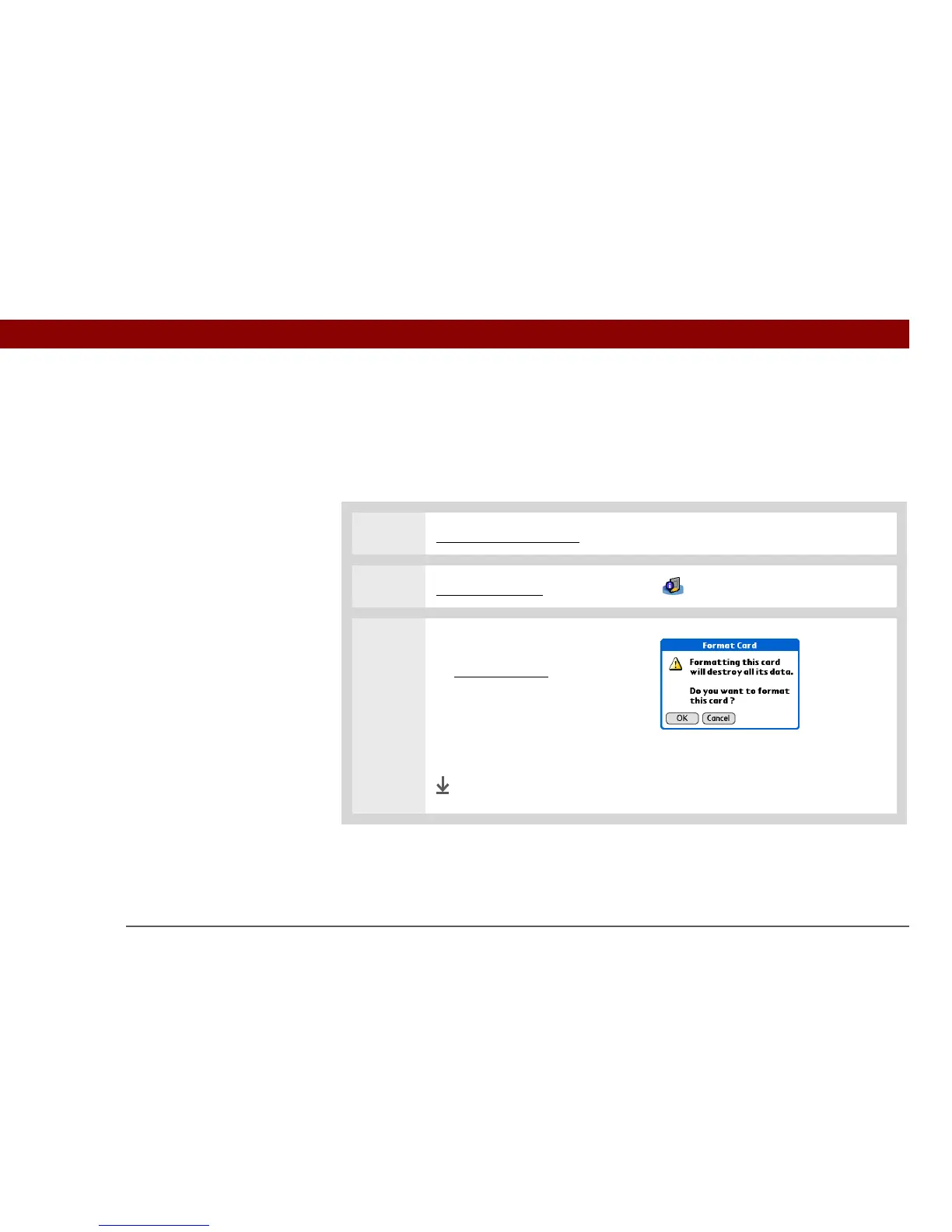
Formatting a card removes all of its info and prepares it to accept new applications and files.
We do not recommend formatting backup cards. Formatting removes the
backup application and turns the card into a blank memory card.
0
1 Insert an expansion card.
2 Go to Applications and select Card Info .
3 Format the card:
a. Open the menus
.
b. Select Format Card on the
Card menu.
c. When asked if you want to
format the card, select OK.
Done
IMPORTANT
[
! ]



 To Next Page