Tungsten™ E2 Handheld 145
CHAPTER 7 Managing Your Calendar
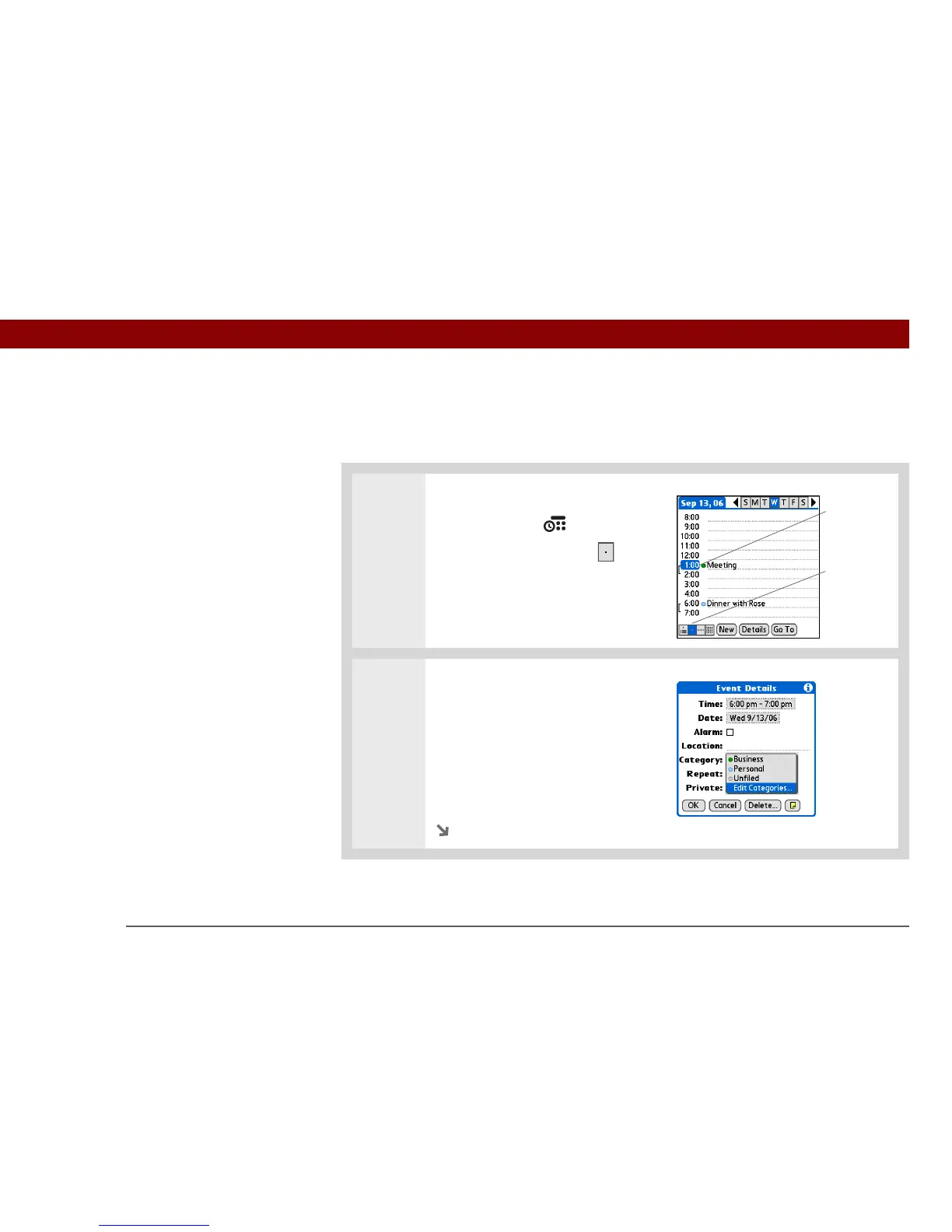
Managing your color-codes
Each color code represents a category of events. You can assign each category a name and select
which color you want to assign to it.
0
1 Open Day View:
a. Press Calendar .
b. Select the Day View icon
2 Open the Edit Categories dialog box:
a. From Day View, select the event
description.
b. Select Details.
c. Select the Category pick list and
select Edit Categories.
Continued
Day View icon
Category
marker



 To Next Page