Tungsten™ E2 Handheld 36
CHAPTER 3 Moving Around in Applications
Moving around in Applications View
Moving around in list screens and entry screens
In list screens, use the 5-way to select and move between entries such as notes, memos, contacts,
or photos. In individual entry screens—such as a single photo or email message—use the 5-way to
move among the items on the screen or to move to another entry.
The behavior of the 5-way for list screens and entry screens varies among each application. Follow
the guidelines for moving around with the 5-way
for general tips; as you become familiar with
each application, learning the specific behavior of the 5-way is easy.
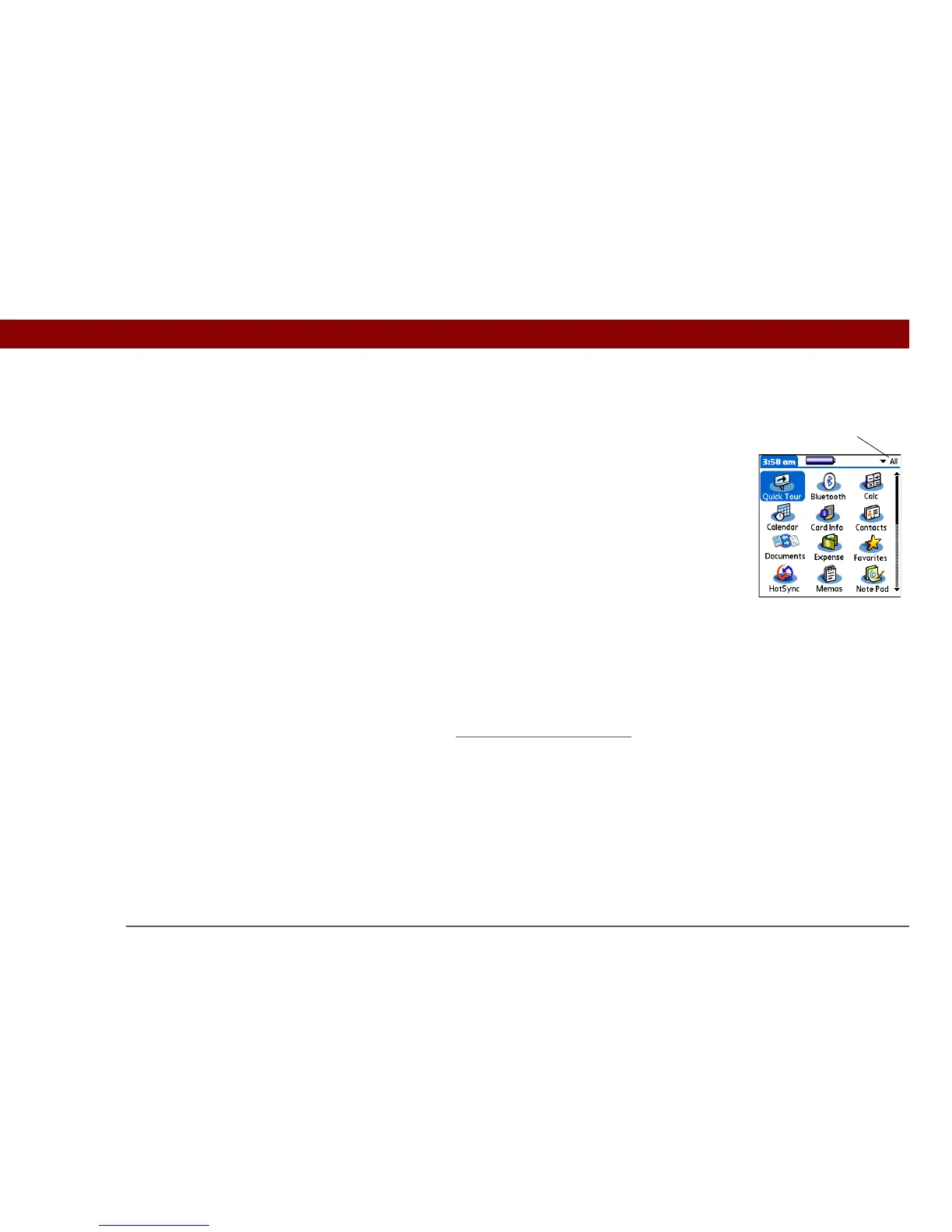
Up or Down Scrolls to display another screen of
application icons.
Right or Left Scrolls to the next or previous application
category.
Center Inserts the selection highlight. When the
selection highlight is present:
Up, Down, Right, or Left Scrolls to the next
item in the corresponding direction.
Center Opens the selected item.
Category



 To Next Page