Tungsten™ E2 Handheld 153
CHAPTER 7 Managing Your Calendar
Deleting all your old events
When you need more space on your handheld, or you just want to do some “housekeeping,” you
can delete all your old events.
0
1
Press Calendar .
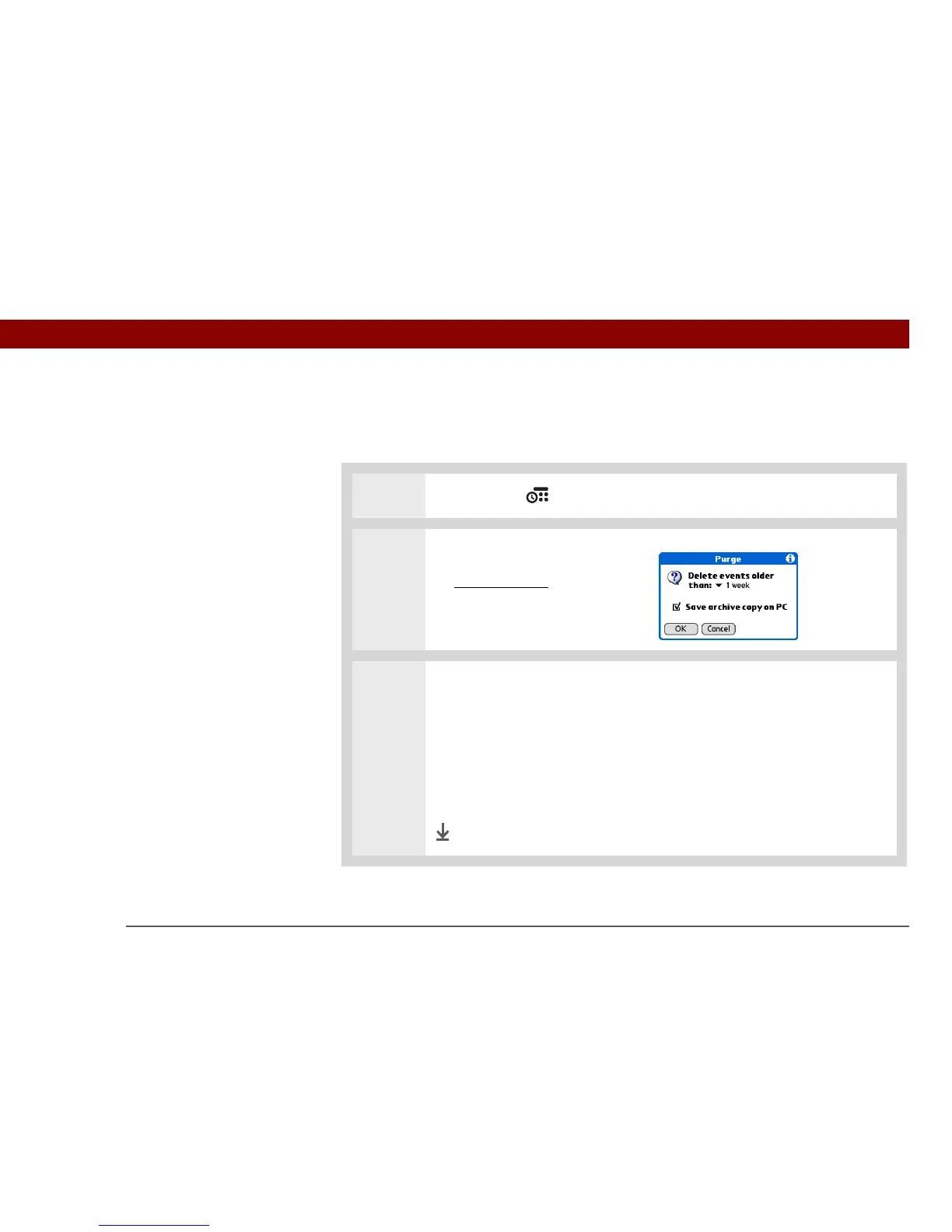
2 Open the Purge dialog box:
a. Open the menus
.
b. Select Purge on the Record
menu.
3 Select the events to purge:
a. Select the Delete events older than pick list and select a time frame.
b. Check the Save archive copy on PC box if you want to place a copy of the
deleted events in an archive file on your computer the next time you
synchronize.
c. Select OK.
Done



 To Next Page