Tungsten™ E2 Handheld 324
CHAPTER 15 Sending and Receiving Email Messages
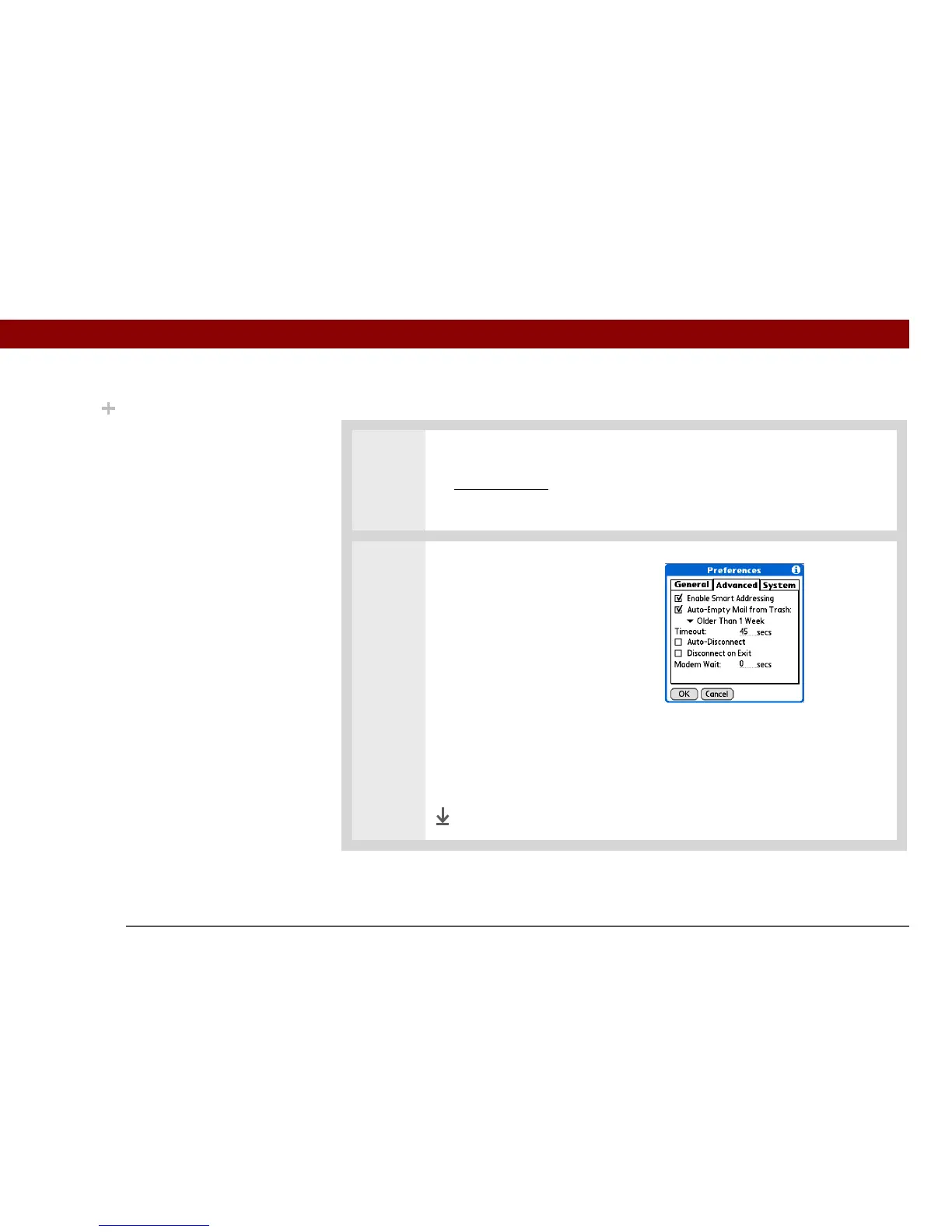
Setting the trash to be emptied automatically
0
1 Open the VersaMail Preferences:
a. Open the menus
.
b. Select Options, and then select Preferences.
2 Select the settings for automatically
emptying the trash:
a. Select the Advanced tab.
b. Check the Auto Empty box if it is
not selected.
c. Select the pick list, and then
select one of the following:
• Email messages are automatically emptied from the trash immediately
when they are deleted from a folder.
• Messages are automatically emptied from the trash after the time interval
you specify: one day, three days, one week, or one month.
d. Select OK.
Done
Did You Know?
By default, Auto-Empty
Mail from Trash is
selected, and the time
interval is set at Older
Than 1 Week.



 To Next Page