Tungsten™ E2 Handheld 165
CHAPTER 7 Managing Your Calendar
Setting alarm and time options
0.
1
Press Calendar .
2
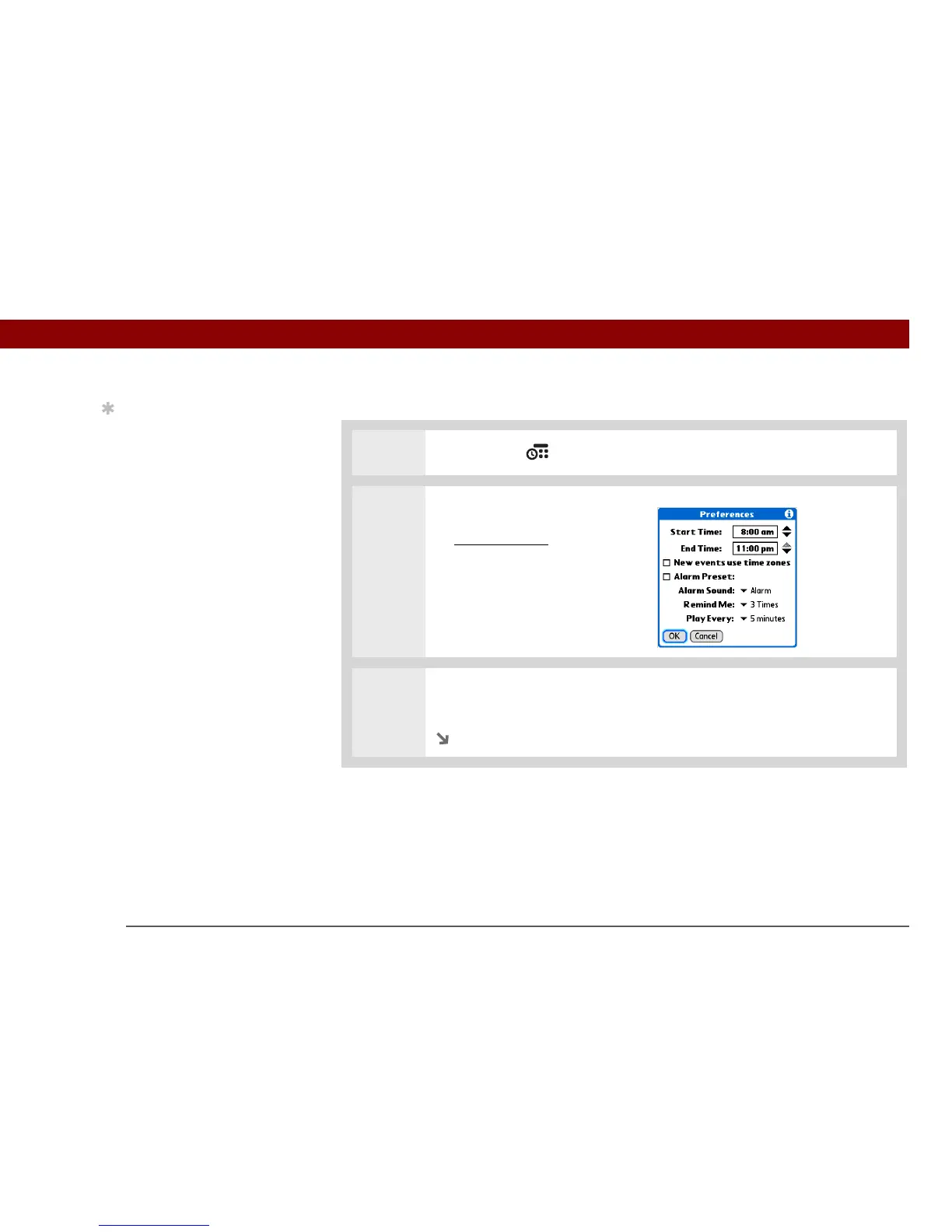
Open the Preferences dialog box:
a. O
pen the menus.
b. Select Options, and then
select Preferences.
3 Select the start and end times of your typical day. This time frame appears in
your Day View and Week View.
Continued
Tip
You can view and
schedule events in time
slots that are before or
after the start or end time.
You just need to scroll to
those time slots.



 To Next Page