Tungsten™ E2 Handheld 528
CHAPTER 25 Customizing Your Handheld
Selecting power-saving settings
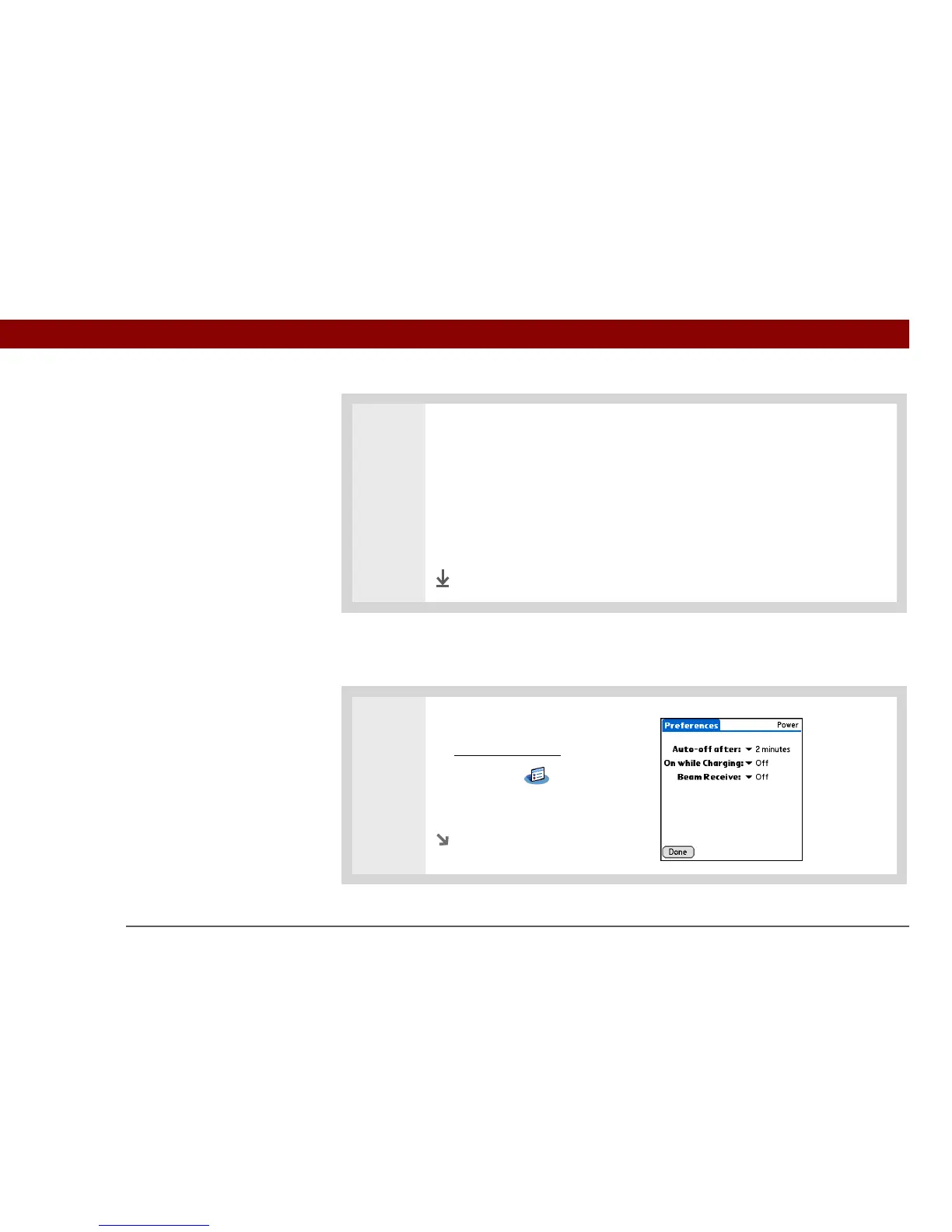
The Power Preferences screen enables you to set power consumption options.
0
2 Select one of these settings, and then select Done.
Never Keylock always remains off.
Automatic Keylock turns on automatically when you turn off your handheld or
when your handheld goes to sleep.
Manual Keylock turns on when you press and hold the power button until the
system sound confirms that Keylock is on.
Done
1 Open Power Preferences:
a. Go to Applications
.
b. Select Prefs .
c. Select Power.
Continued



 To Next Page