Tungsten™ E2 Handheld 523
CHAPTER 25 Customizing Your Handheld
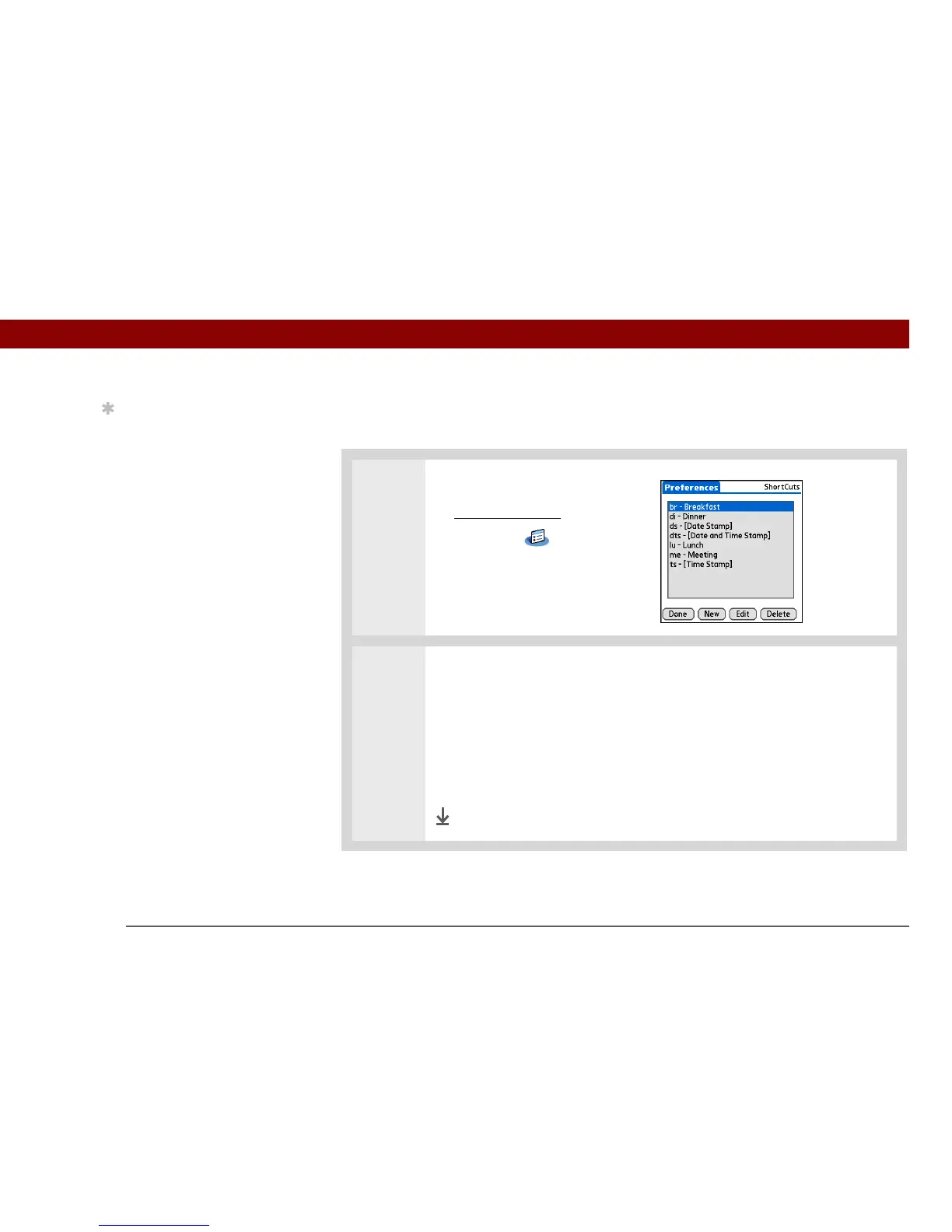
Changing ShortCuts
After you create a ShortCut, you can modify it at any time.
0
1 Open ShortCuts Preferences:
a. Go to Applications
.
b. Select Prefs .
c. Select Shortcuts.
2 Edit the ShortCut:
a. Select the ShortCut you want to change.
b. Select Edit.
c. Make your changes.
d. Select OK, and then select Done.
Done
Tip
To delete a ShortCut,
open ShortCuts
Preferences and select
the ShortCut. Select
Delete, select Yes, and
then select Done.



 To Next Page