Tungsten™ E2 Handheld 522
CHAPTER 25 Customizing Your Handheld
2
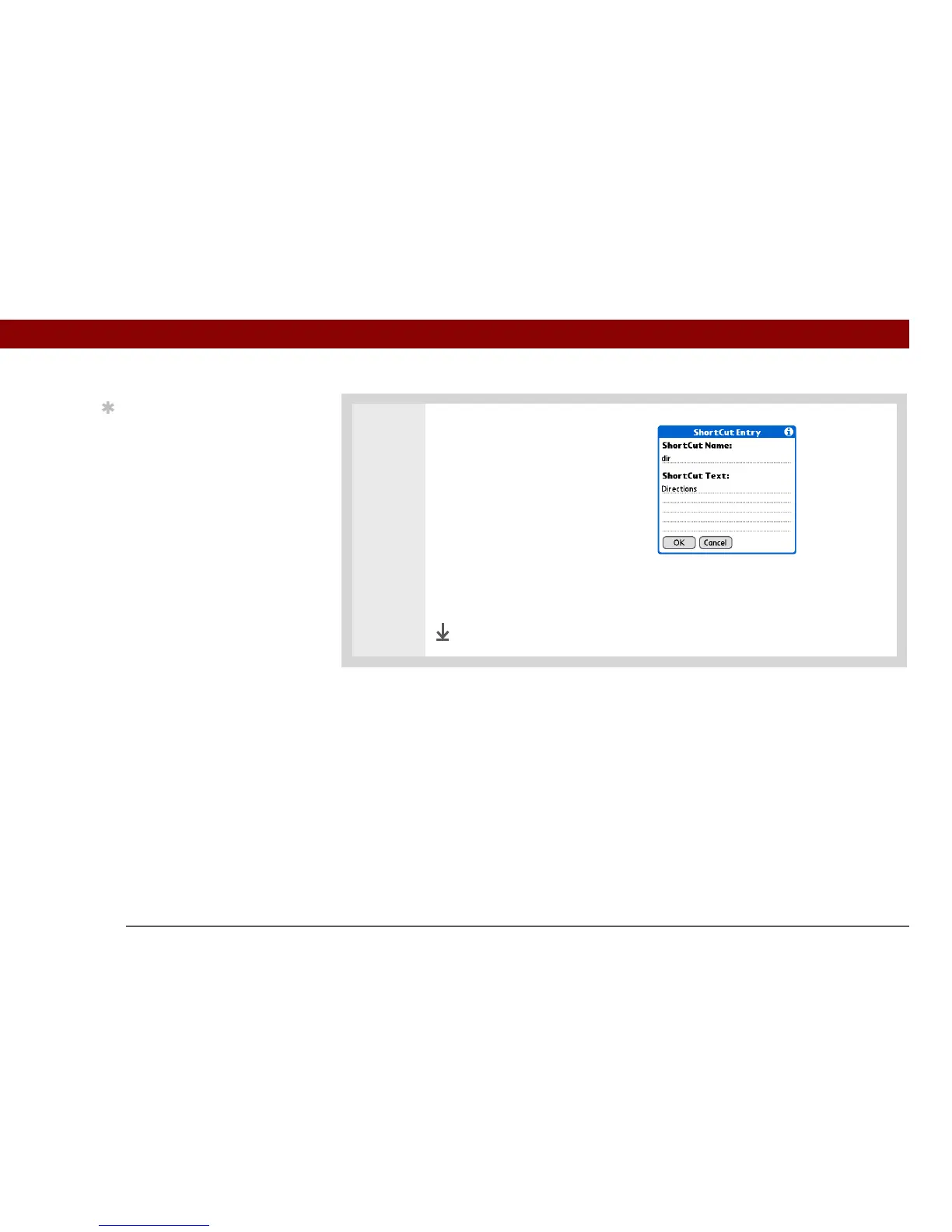
Create a ShortCut:
a. Select New.
b. On the ShortCut Name line,
enter the abbreviation.
c. On the ShortCut Text line(s),
enter the text you want to insert
when you write the
abbreviation.
d. Select OK, and then select Done.
Done
Tip
The ShortCut Text can be
45 characters long. That’s
long enough for a name
whose spelling you
always forget or a
complex email address.



 To Next Page