Tungsten™ E2 Handheld 162
CHAPTER 7 Managing Your Calendar
Customizing display options for your calendar
0
1
Press Calendar .
2
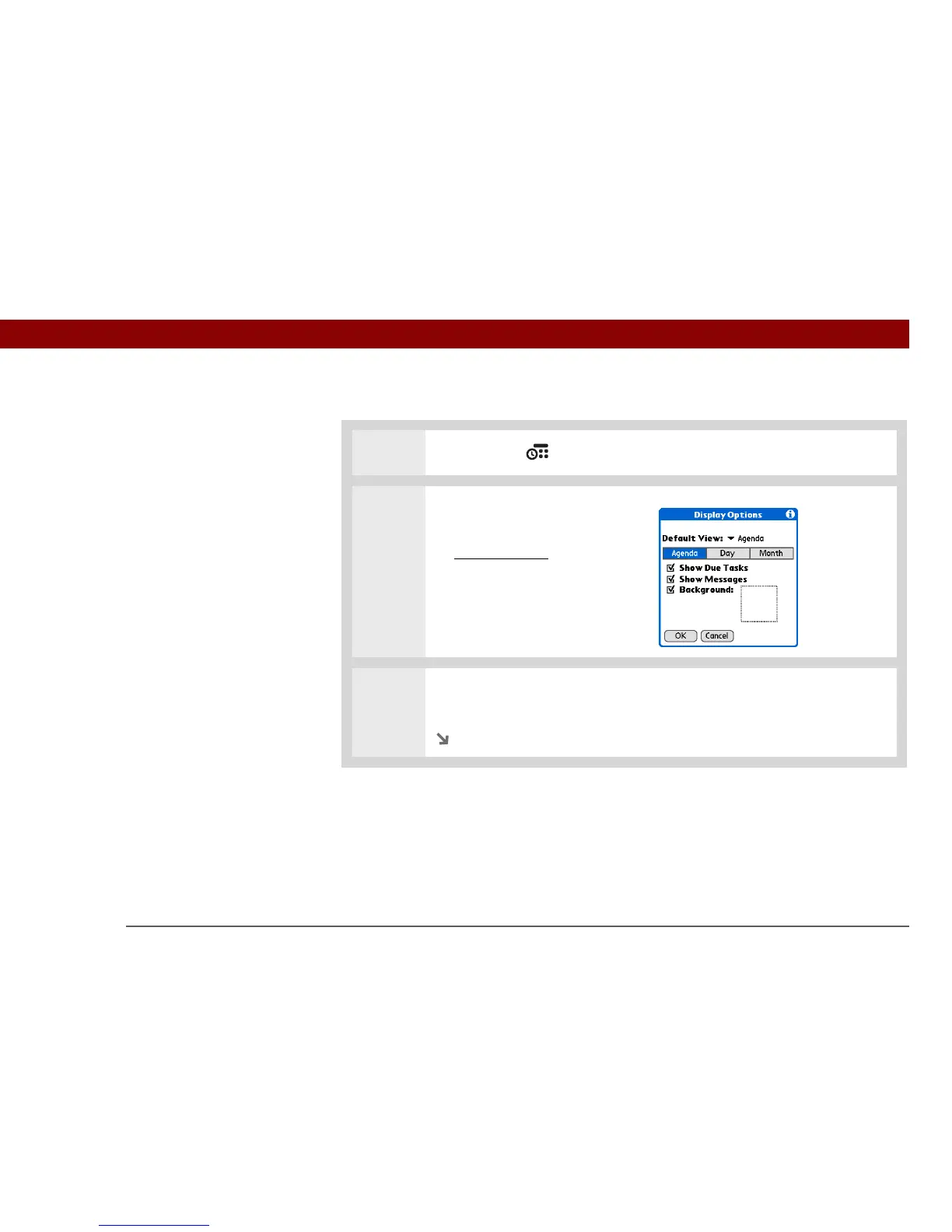
Open the Display Options dialog
box:
a. O
pen the menus.
b. Select Options, and then
select Display Options.
3 Select the Default View pick list and select the view you want to see when you
open Calendar.
Continued



 To Next Page