Tungsten™ E2 Handheld 514
CHAPTER 25 Customizing Your Handheld
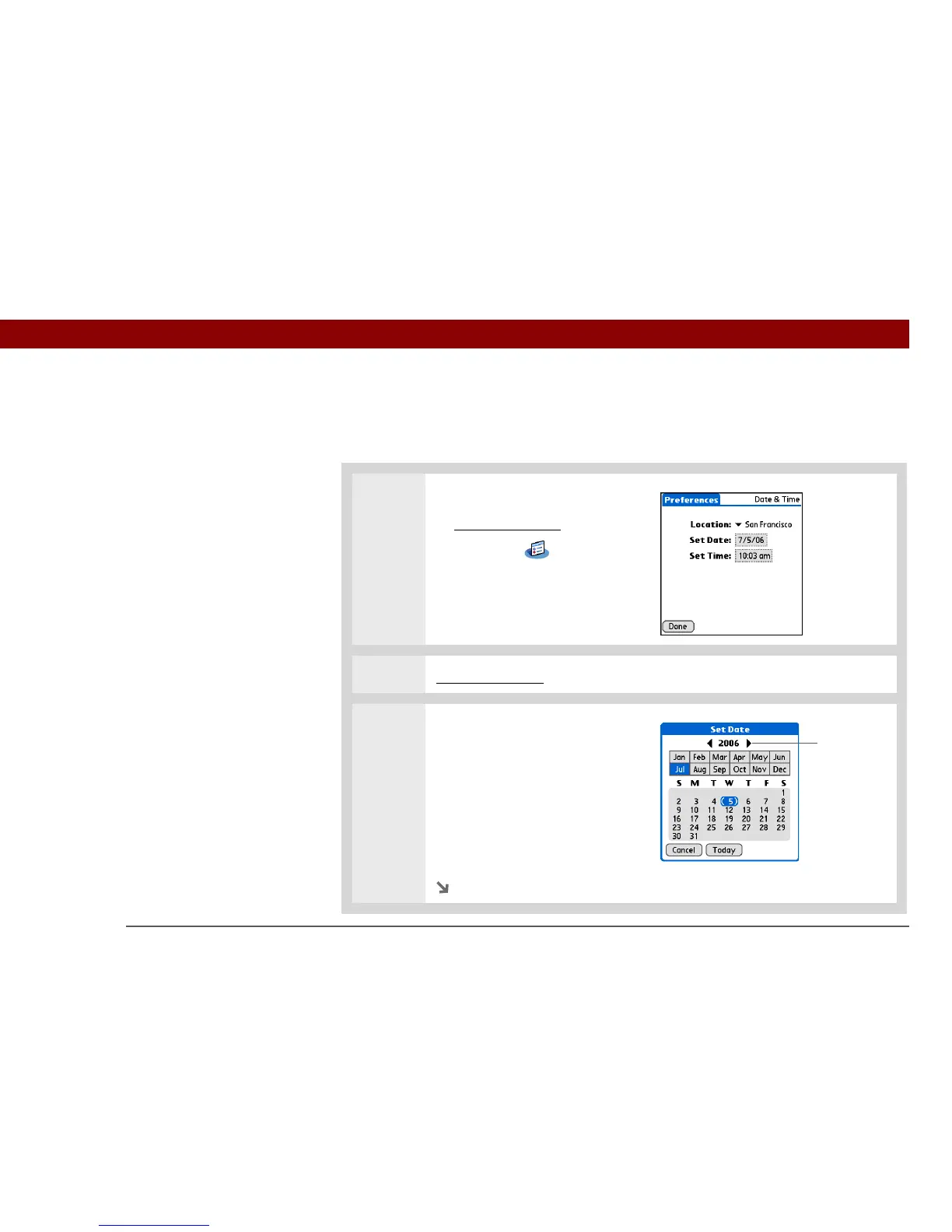
Resetting the date and time
In most cases you won’t need to reset the date and time. However, you may need to do this if you
do a hard reset on your handheld.
0
1 Open Date & Time Preferences:
a. Go to Applications
.
b. Select Prefs .
c. Select Date & Time.
2 Select the location.
3 Set the date:
a. Select the Set Date box.
b. Select the arrows to select the
current year.
c. Select the current month.
d. Select the current date.
Continued
Year
arrows



 To Next Page