Tungsten™ E2 Handheld 513
CHAPTER 25 Customizing Your Handheld
2 Select the location:
a. Select the Location pick list,
and select a city in your time
zone. If you found a city in the
list, go to step 3.
No nearby city? Select Edit
List, and do steps b through e.
b. Select Add.
c. Select a city in your time zone,
and then select OK.
d. Select OK again, and then
select Done.
e. Select the Location pick list,
and select the city you just
added.
3 Select Done.
Done
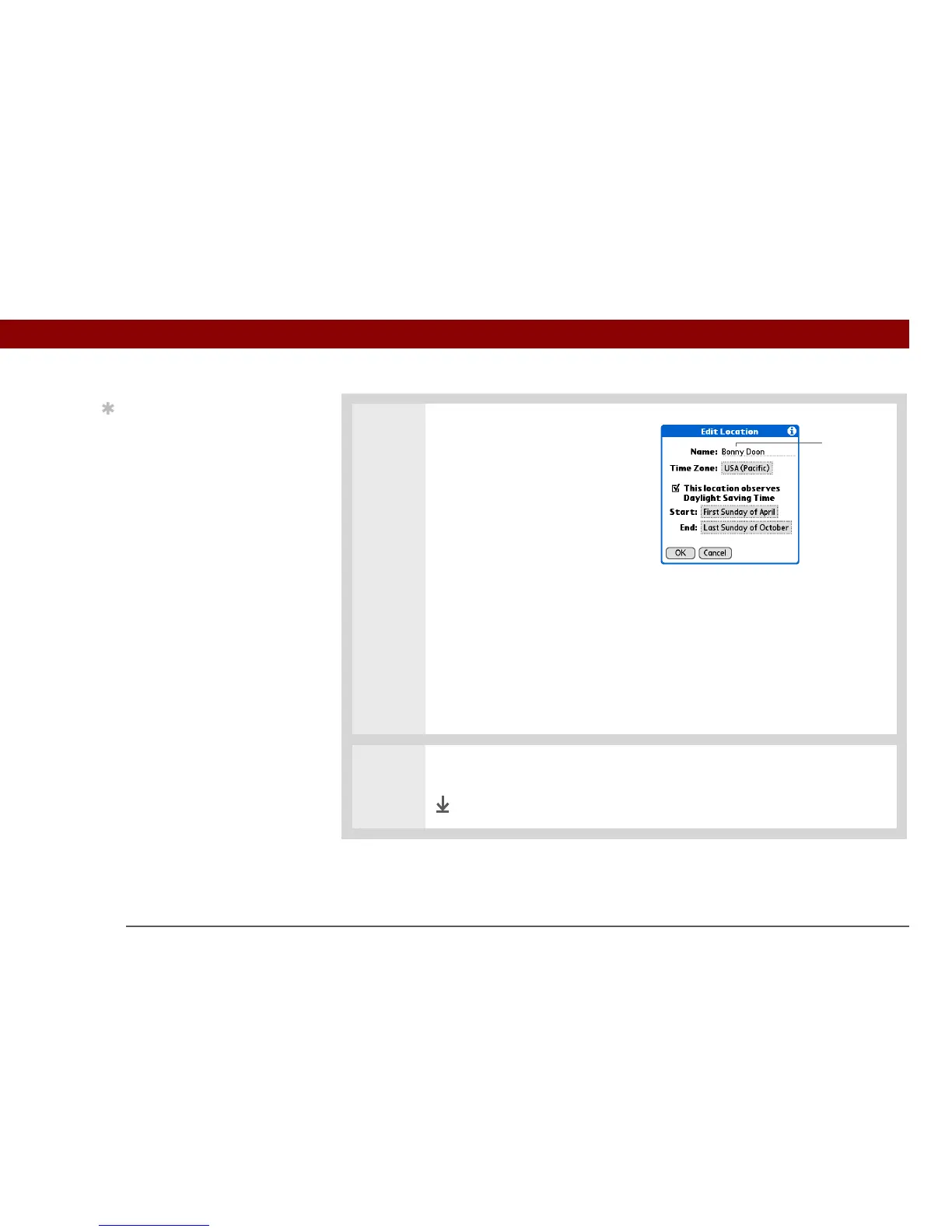
Tip
You can rename the
location to the city where
you live. Select the Name
field, and then modify the
location name.
Name field



 To Next Page