Tungsten™ E2 Handheld 122
CHAPTER 6 Managing Your Contacts
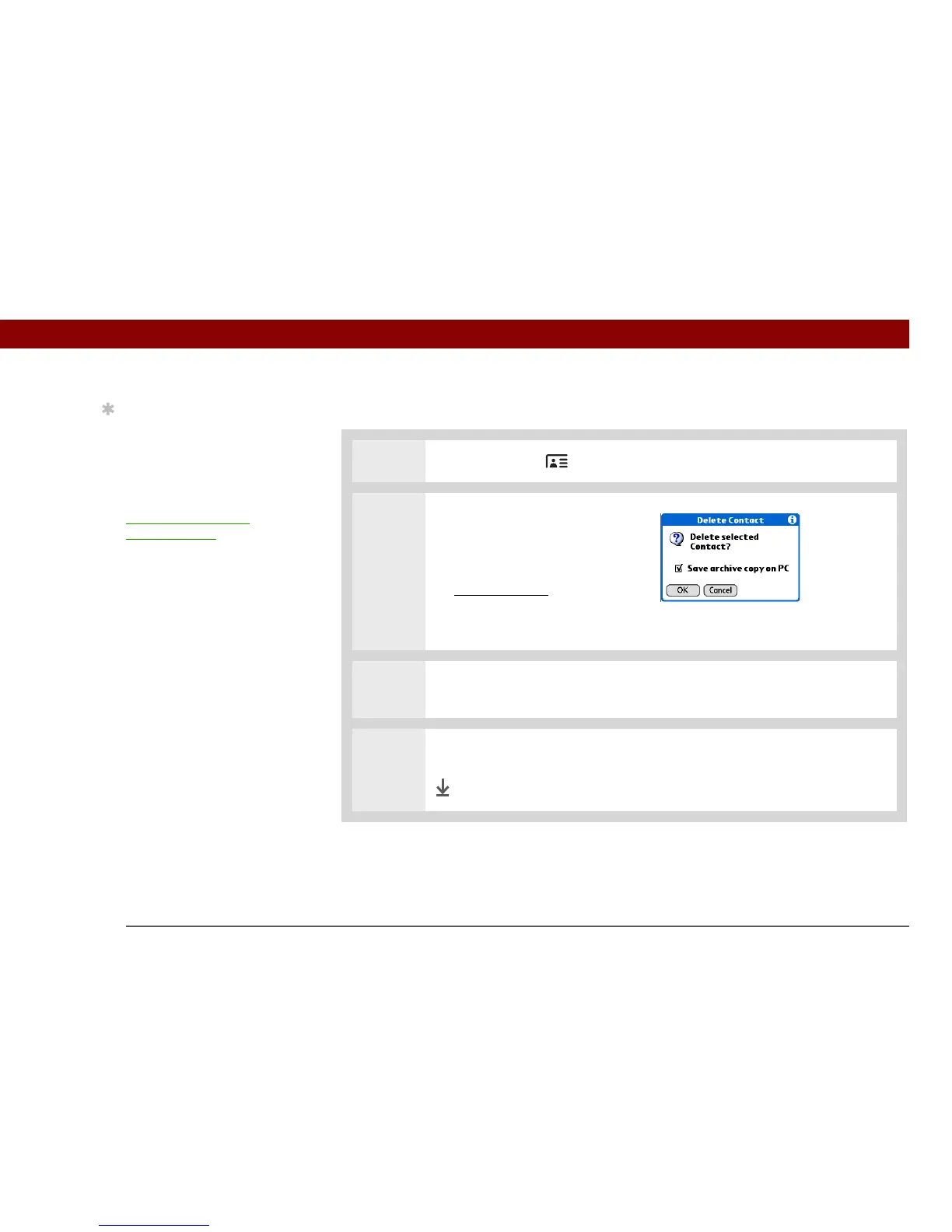
Deleting a contact
0
1 Press the Contacts button.
2 Open the Delete Contact dialog
box:
a. Select the contact you want.
b. Open the menus
.
c. Select Delete Contact on the
Record menu.
3 [ & ] OPTIONAL Check the box to save an archive copy of the contact on your
computer.
4 Select OK.
Done
Tip
You never know when
you’re going to need to
look up an old business
associate. If you save an
archive copy of your
deleted contacts, you can
re
fer to them later by
importing them.



 To Next Page