Tungsten™ E2 Handheld 405
CHAPTER 17 Browsing the Web
Viewing a saved file
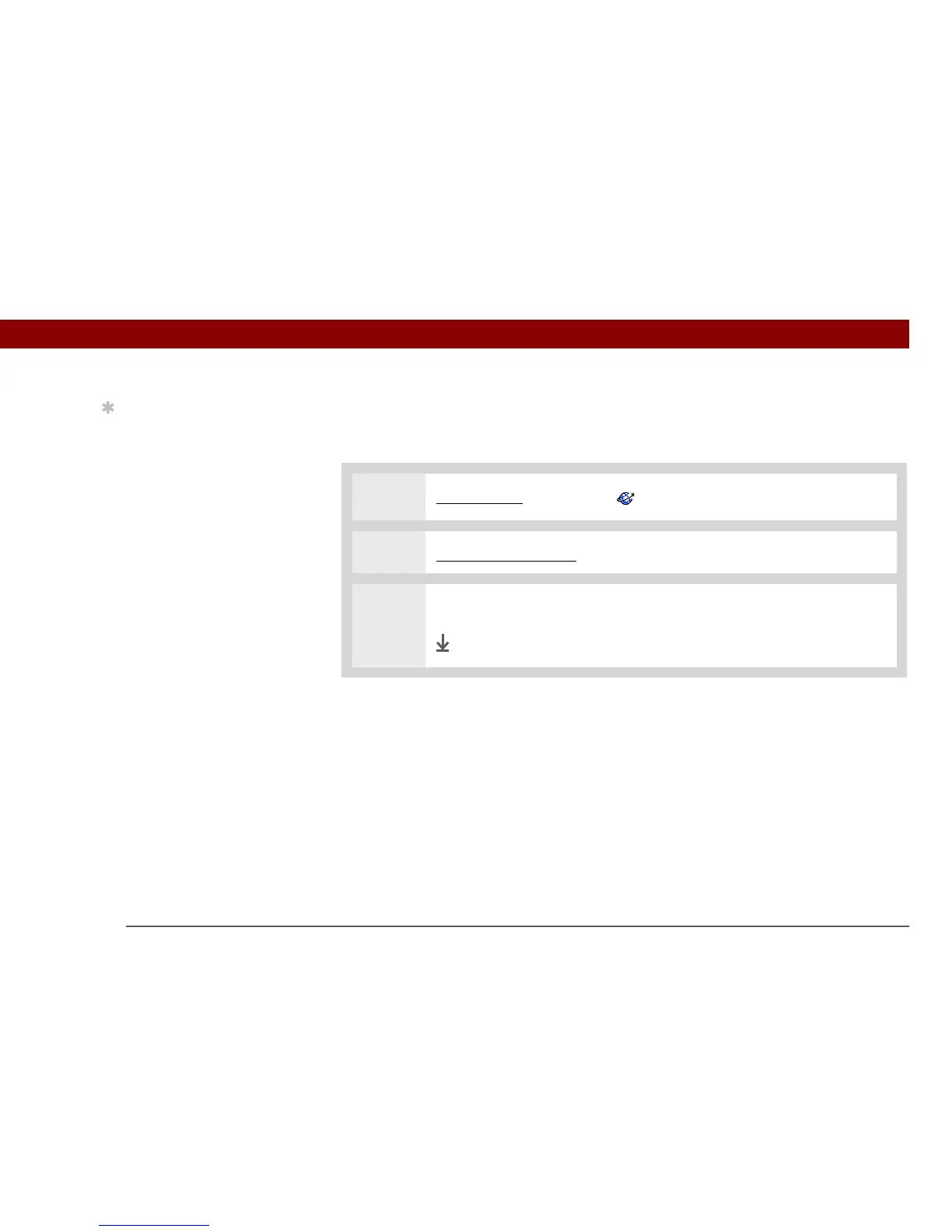
You can use the web browser to view web pages or image files that are on an expansion card. The
types of files that can be viewed include HTML, HTM, GIF, and JPG.
0
1
Go to Favorites and select Web .
2 Insert an expansion card into your handheld.
3 Enter the file name using the format file://<cardname>/<path>.
Done
Tip
Suppose you have an
HTML file on your
desktop computer that
you want to carry with
you. Download the file
onto the expansion card
and use the web browser
to view the page on your
handheld.



 To Next Page