Tungsten™ E2 Handheld 239
CHAPTER 13 Writing Notes in Note Pad
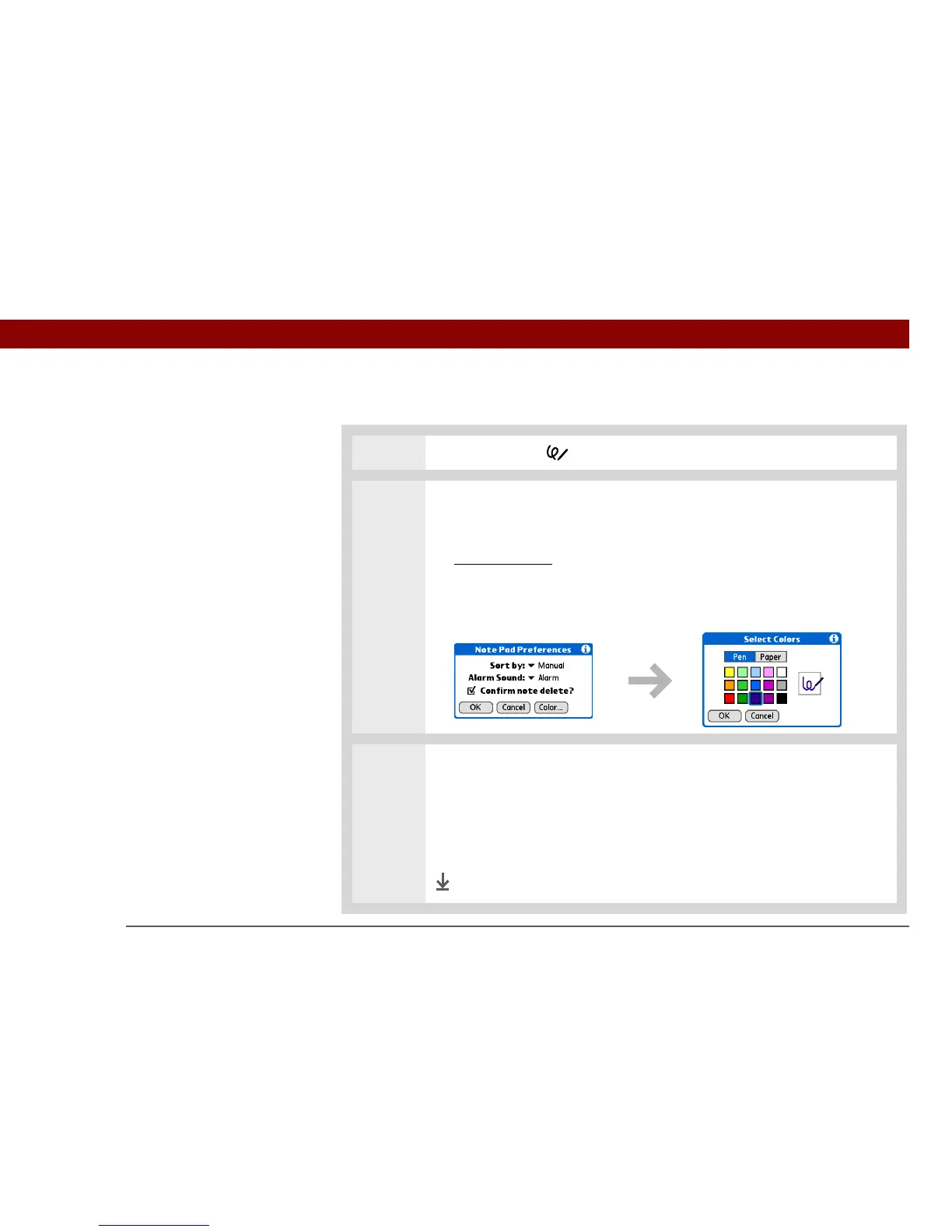
Choosing the pen and paper (background) colors
0
0
1 Press the Note Pad button.
2 Open the Select Colors dialog box:
a. Select Done to display the Note Pad list.
b. Open the menus
.
c. Select Options, and then select Preferences.
d. Select Color.
3 Select the pen and paper colors:
a. Select Pen, and then select the ink color you want to use.
b. Select Paper, and then select the background color you want to use.
c. Select OK, and then select OK again.
Done



 To Next Page