Tungsten™ E2 Handheld 113
CHAPTER 6 Managing Your Contacts
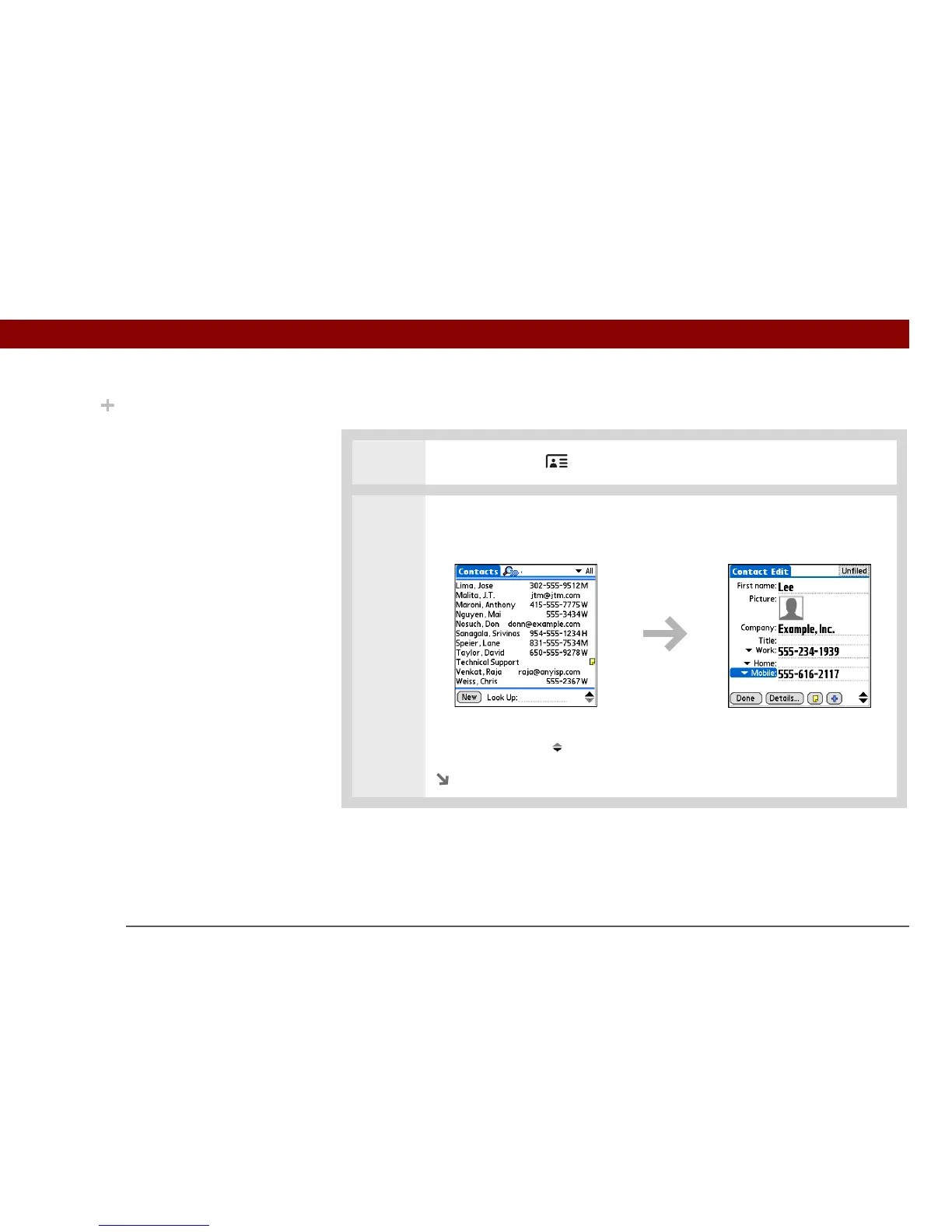
Adding a contact
0
1
Press the Contacts button.
2 Add your contact information:
a. Select New.
b. Select each field where you want to enter information, and enter it. Select
the scroll arrows to view more fields.
Continued
Did You Know?
If the first character you
enter in the Last Name or
Company field is an
asterisk (*) or another
symbol, that record
always appears at the top
of the Contacts list. That’s
useful for an entry like “If
Found Call [your phone
number].”



 To Next Page