Tungsten™ E2 Handheld 114
CHAPTER 6 Managing Your Contacts
Cont’d.
The following fields contain features to help you enter information quickly:
All fields except numeric and email fields The first letter is automatically
capitalized.
Title, Company, City, and State As you enter letters, a match appears if you
have one on your Contacts list. For example, if you enter S, Sacramento might
appear, and if you then enter a and n, San Francisco might replace Sacramento.
When the word you want appears, select the next field.
Address You can enter up to three addresses, each containing five fields: Addr,
City, State, Zip Code, and Country. You can designate an address as work (W),
home (H), or other (O). By default, the first address is designated as work.
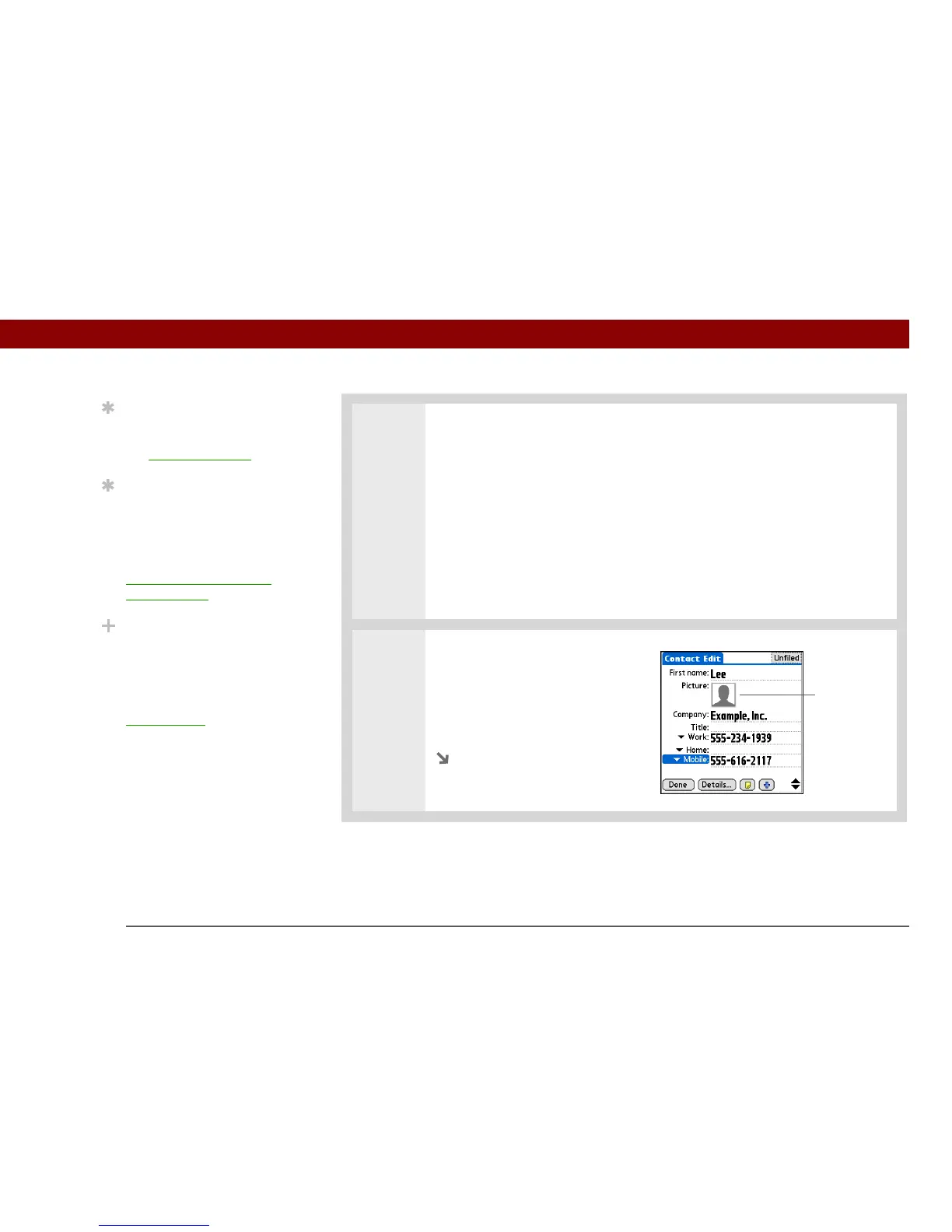
3 [ & ] OPTIONAL Add a photo:
a. Tap the Picture box.
b. Select and add a photo from
palmOne™ Media.
Continued
Tip
To learn how to transfer
photos to your handheld,
see palmOne™ Media
.
Tip
If multiple contacts share
information, such as a
company name and
address, you can enter
the first contact, and then
copy the information into
other contacts.
Did You Know?
You can also enter one or
more contacts on your
desktop computer, and
then copy them to your
handheld by
synchronizing
Tap here



 To Next Page