Tungsten™ E2 Handheld 309
CHAPTER 15 Sending and Receiving Email Messages
Attaching a personal signature
You can attach a personal signature, with info like your company’s address and fax and telephone
numbers, to the bottom of all messages you send.
0
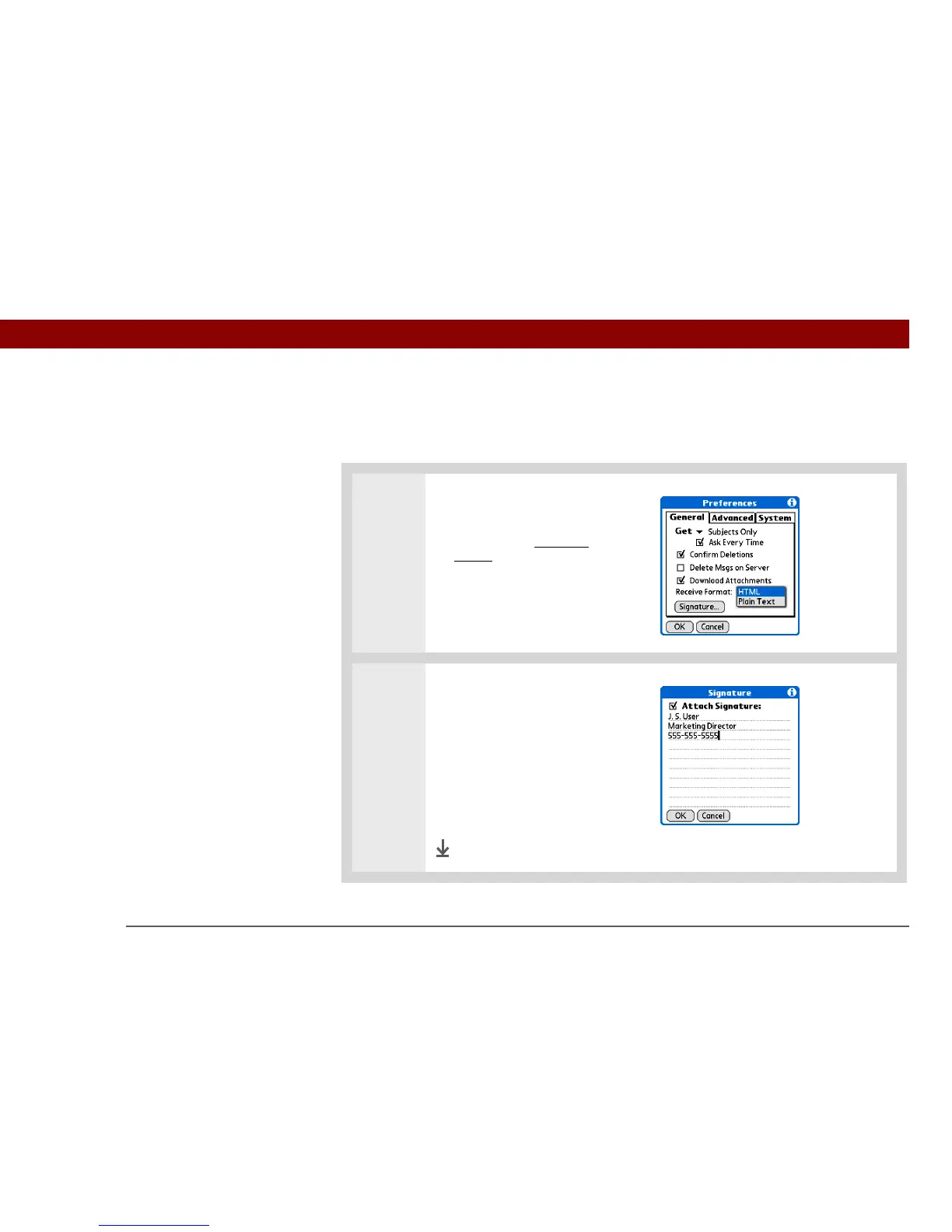
1 Open the VersaMail Preferences:
a. From the Inbox or on another
folder screen, open the
menus.
b. Select Options, and then
select Preferences.
2
Add a signature:
a. Select Signature.
b. Check the Attach Signature
box.
c. Enter your signature
information, and then select
OK.
Done



 To Next Page