Tungsten™ E2 Handheld 181
CHAPTER 9 Viewing Photos and Videos
Rotating a photo
0
0
1 Go to Favorites and select Photos & Videos .
2 Select the pick list in the upper-right corner and select the location on your
handheld or an expansion card of the photo you want to rotate.
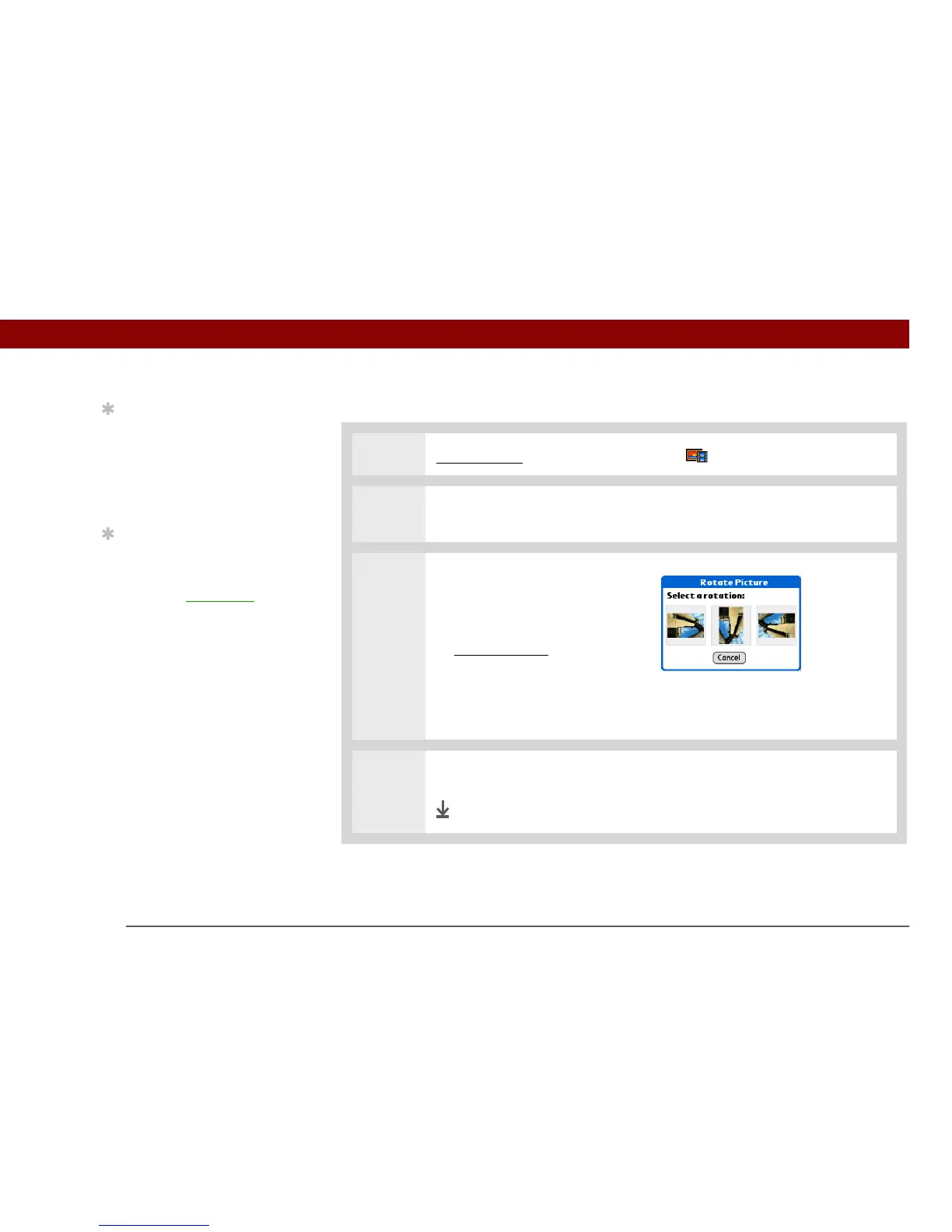
3 Rotate the photo:
a. Select the photo you want in
the Thumbnail or List View.
b. Open the menus
.
c. Select Rotate Picture from the
Media menu.
d. Select the rotation you want.
4 Tap anywhere in the photo to return to the Thumbnail or List View.
Done
Tip
You can also rotate a
photo by pressing Down
on the 5-way to zoom the
photo out and then
selecting Rotate at the
bottom of the screen.
Tip
If you receive a message
that the photo is too large
to rotate on your
handheld, synchronize
,
and then open and rotate
the photo in
Palm Desktop software.
Synchronize again to
send the rotated photo
back to your handheld
(Windows only).



 To Next Page