Tungsten™ E2 Handheld 486
CHAPTER 23 Using Categories to Organize Information
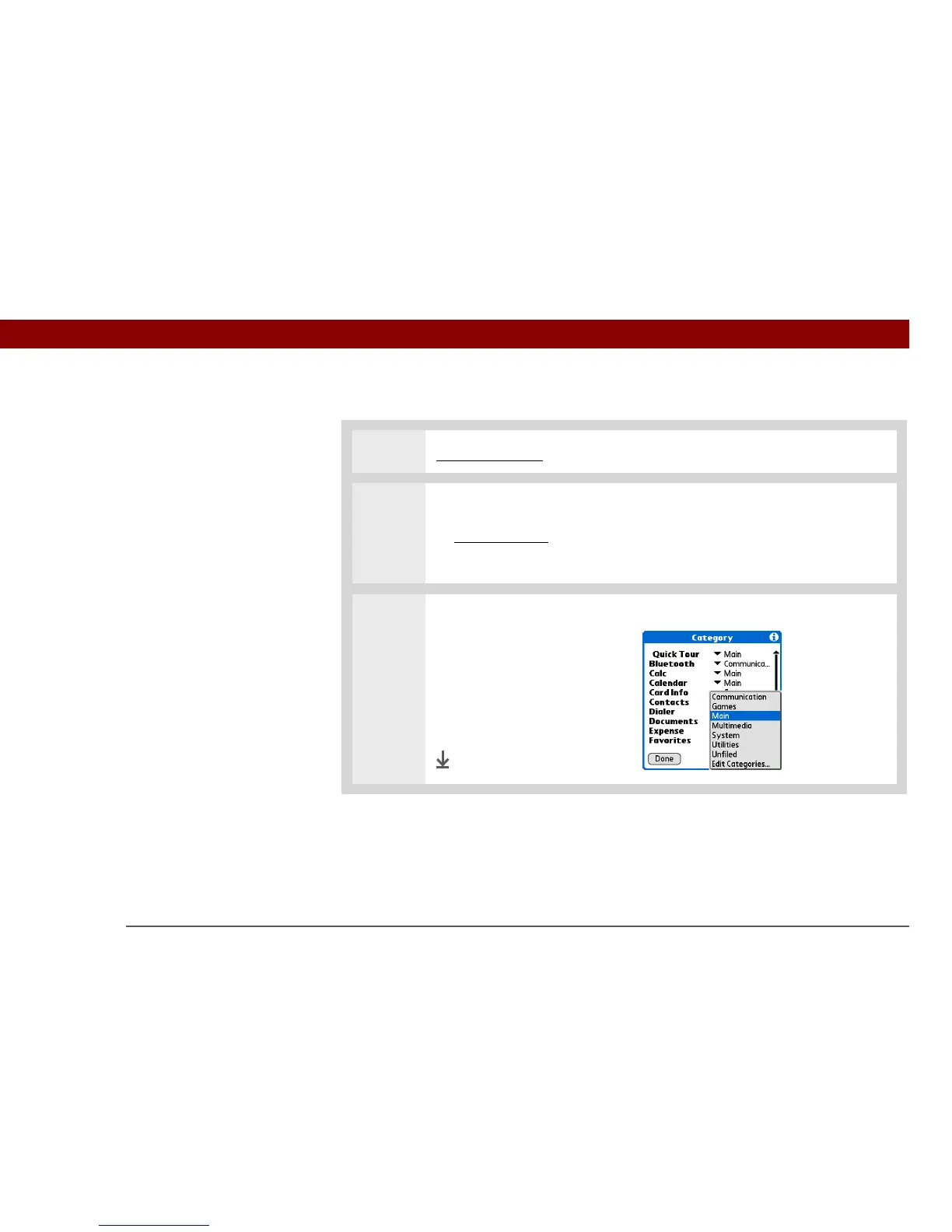
Placing an application in a category
0
1 Go to Applications.
2 Open the Category dialog box:
a. Open the menus
.
b. Select Category in the App menu.
3 Place the application in a
category:
a. Select the pick list next to the
application you want to place
in a category.
b. Select a category, and then
select Done.
Done



 To Next Page