Tungsten™ E2 Handheld 87
CHAPTER 5 Moving Info Between Your Handheld and Your Computer
Setting synchronization options
MAC ONLY
0
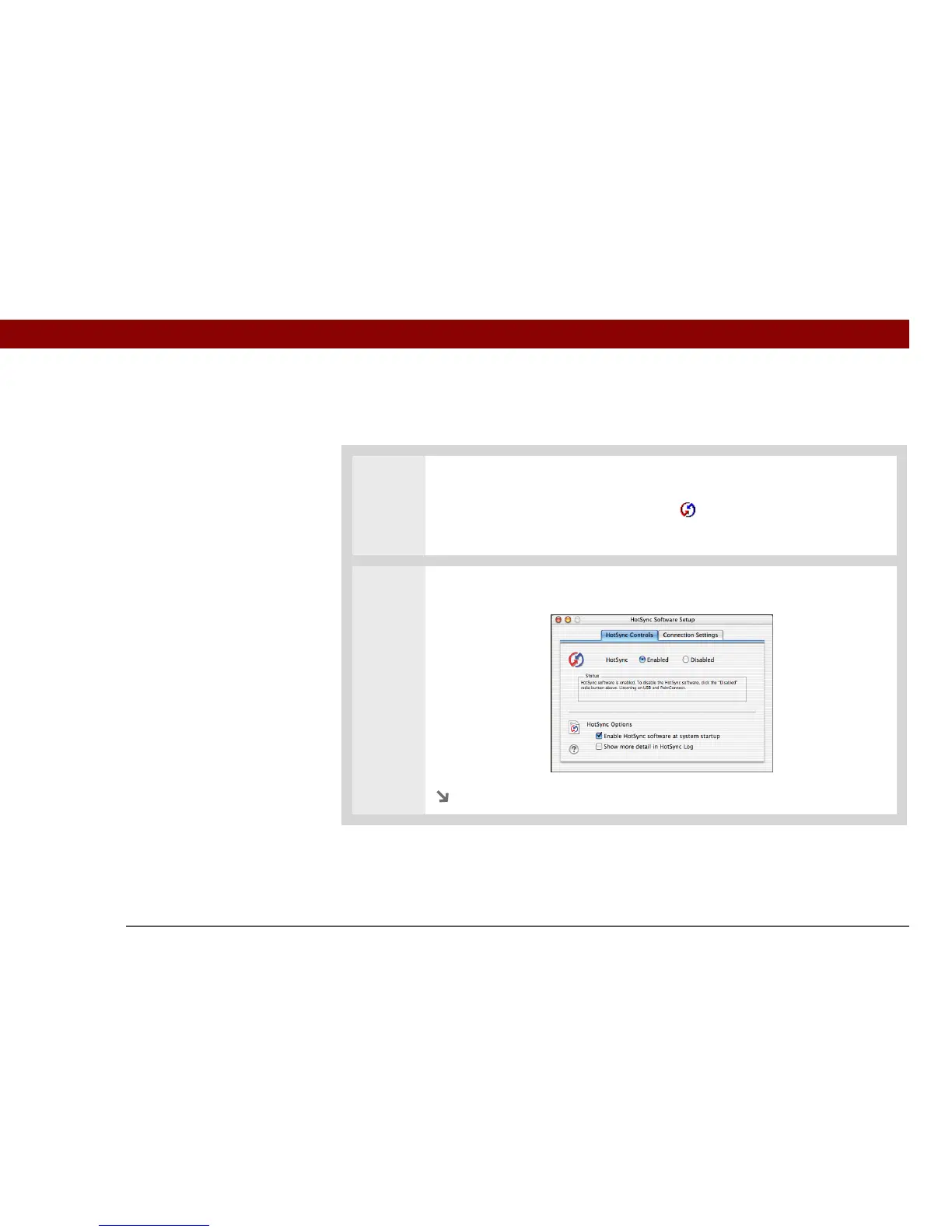
1 Open the synchronization options screen:
a. Double-click the HotSync Manager icon in the Palm folder.
b. Click the HotSync Controls tab.
2 Select the synchronization options you want:
Continued



 To Next Page