Tungsten™ E2 Handheld 423
CHAPTER 18 Dialing Phone Numbers from Your Handheld
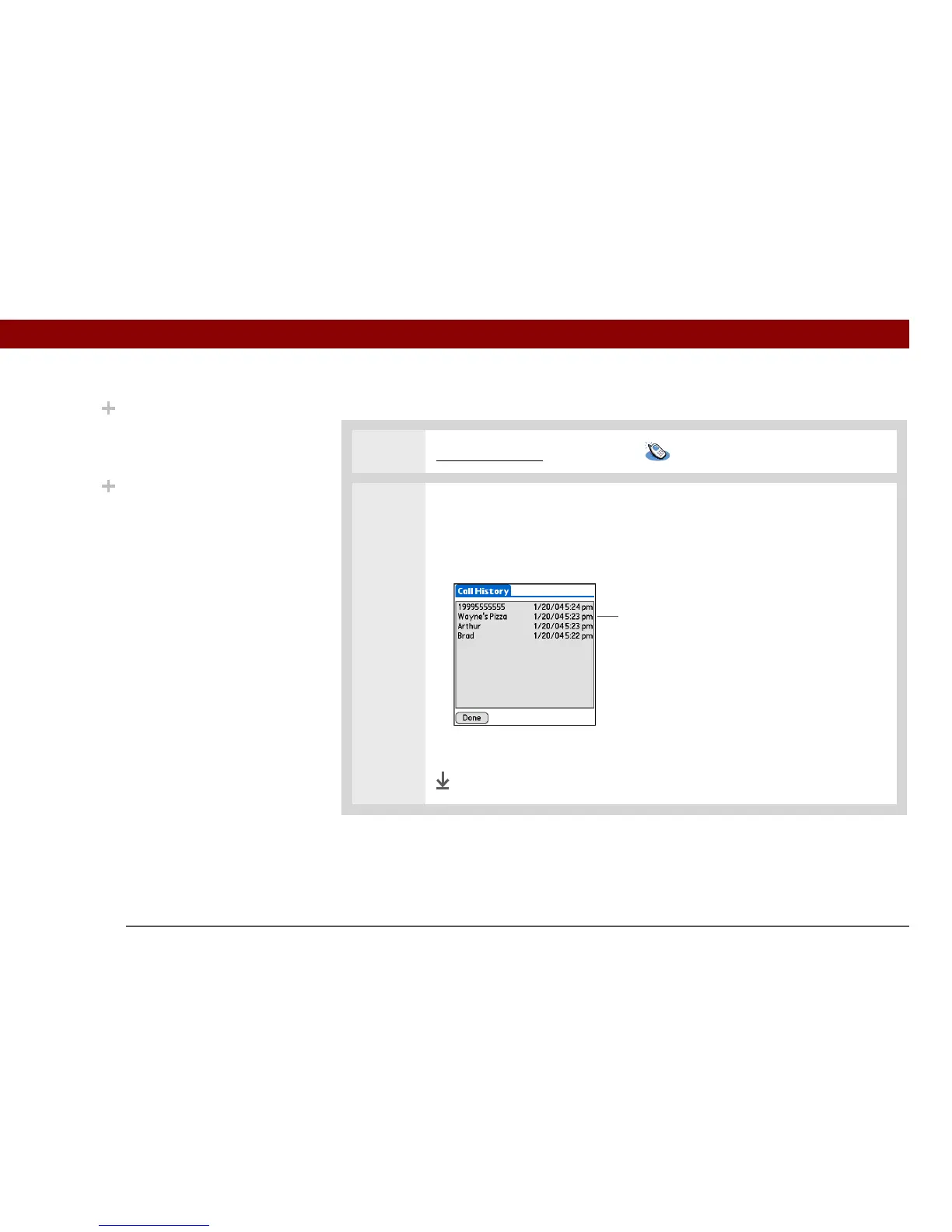
Dialing a number from the Call History List
0
1 Go to Applications and select Dialer .
2 Dial the number from the list:
a. Tap History.
b. Tap an entry from the History list.
c. Tap Dial.
Done
Did You Know?
Dialer keeps a list of 11 of
the most recently dialed
numbers.
Did You Know?
If the number is a speed-
dial entry, the name from
the speed dial entry
appears in the Call
History list.
Tap entry to enter number on Dialer view



 To Next Page