Tungsten™ E2 Handheld 21
CHAPTER 2 Your Handheld
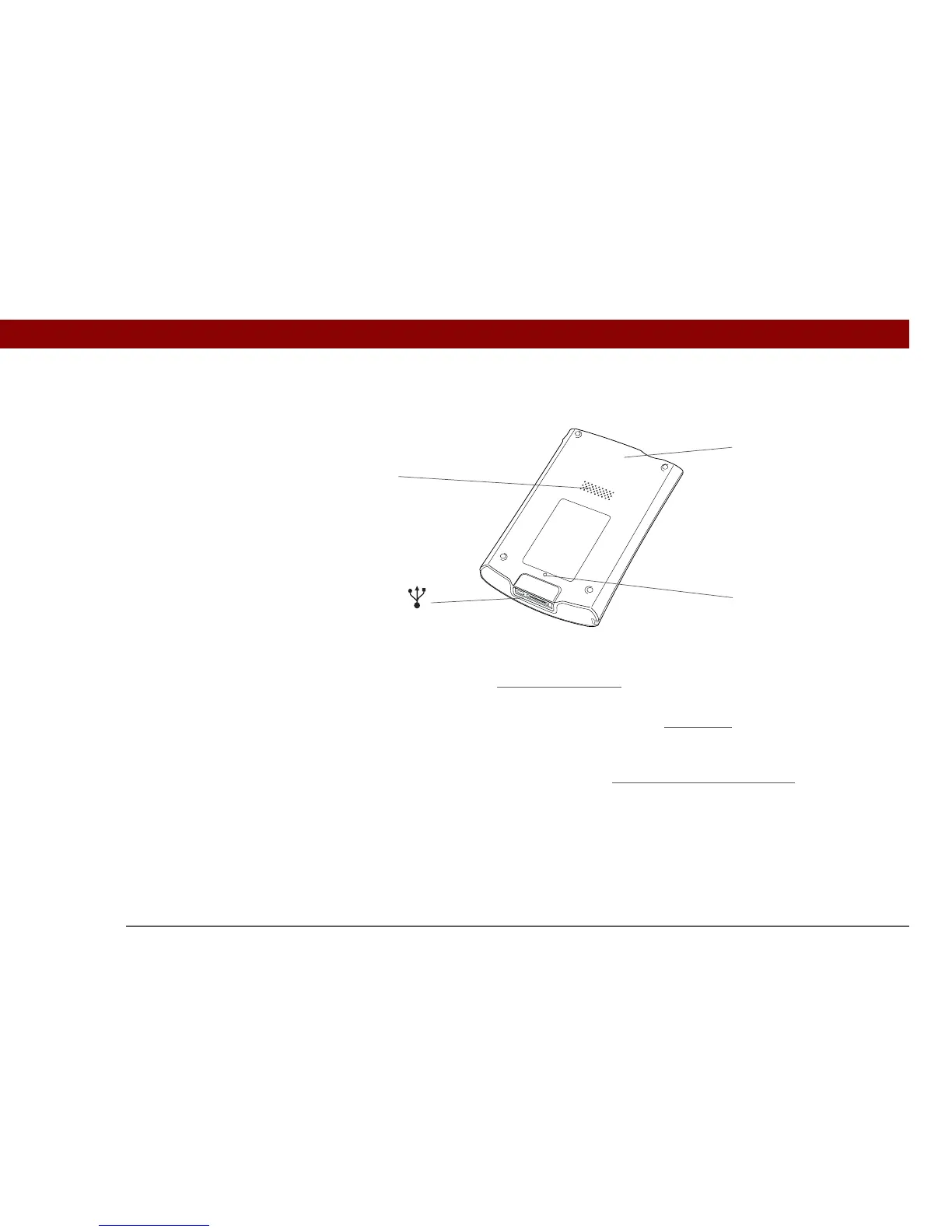
Back
Speaker Lets you listen to alarms, game and system sounds, and music.
Reset button Resets your handheld
if it freezes (stops responding).
Multi-connector Lets you connect a sync cable (included) or a cradle (sold separately)
to your computer so you can synchronize
. Also lets you connect the
AC charger to your handheld so you can charge it.
Bluetooth
®
radio
(internal)
Enables your handheld to connect with other devices (sold
separately) that use Bluetooth
® wireless technology.
»
Key Term
USB The type of
connector or cable that’s
commonly used to
connect accessories to a
computer.
Multi-
connector
Reset
button
Bluetooth
®
radio
(internal)
Speaker



 To Next Page