Tungsten™ E2 Handheld 463
CHAPTER 22 Keeping Your Information Private
Changing a password
You can change your password at any time. You must enter the current password before you can
change it.
0
3 Confirm the password and enter a hint:
a. Enter the password again, and then select OK.
b. Enter a hint to help you remember the password if you forget it, and then
select Done.
4 Select Done.
Done
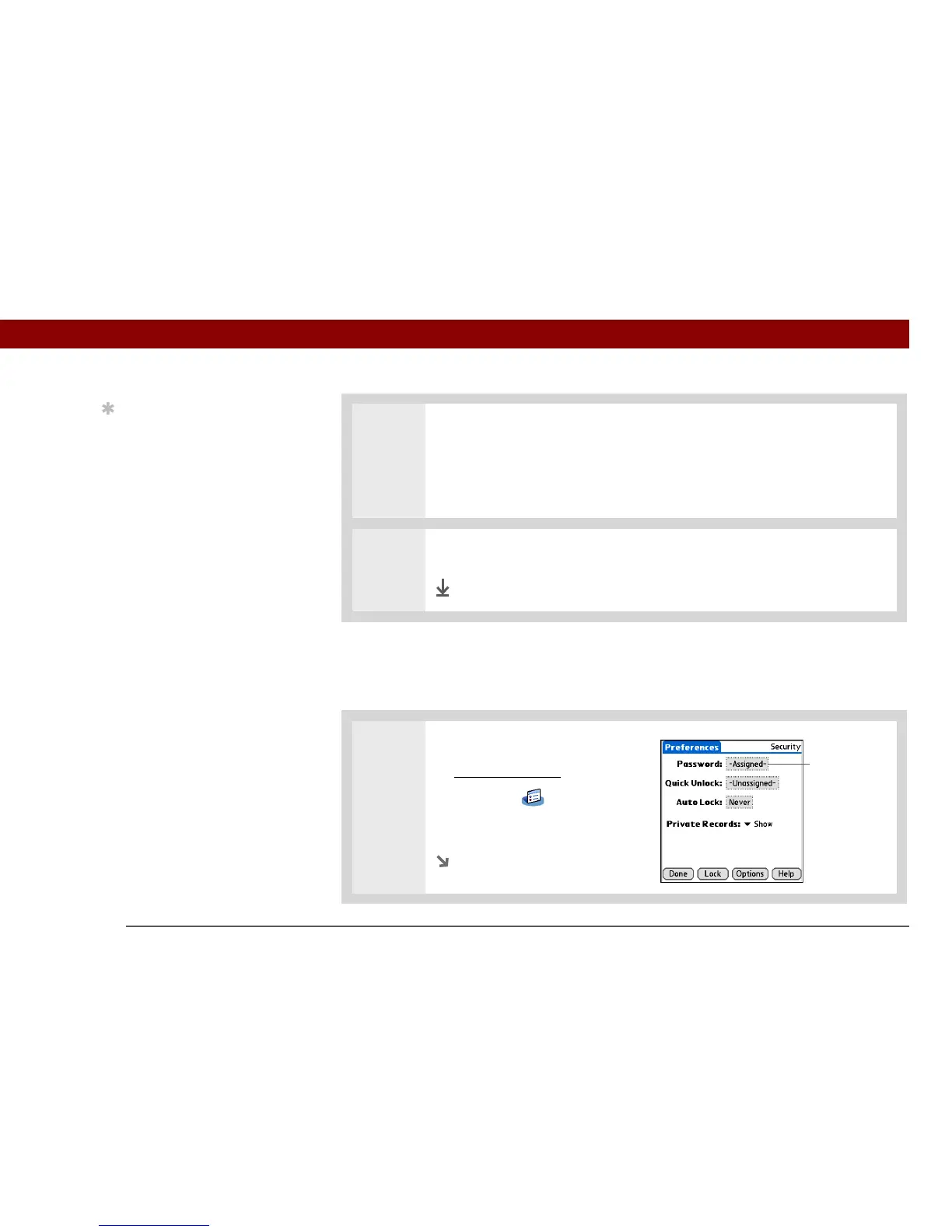
1 Open Security:
a. Go to Applications
, and then
select Prefs .
b. Select Security.
Continued
Tip
In Palm
®
Desktop
software, you can require
password entry for
private info to display.
Open the Tools menu and
click Options, and then
click Security. The
password is the same one
used by your handheld.
Password box



 To Next Page