Tungsten™ E2 Handheld 464
CHAPTER 22 Keeping Your Information Private
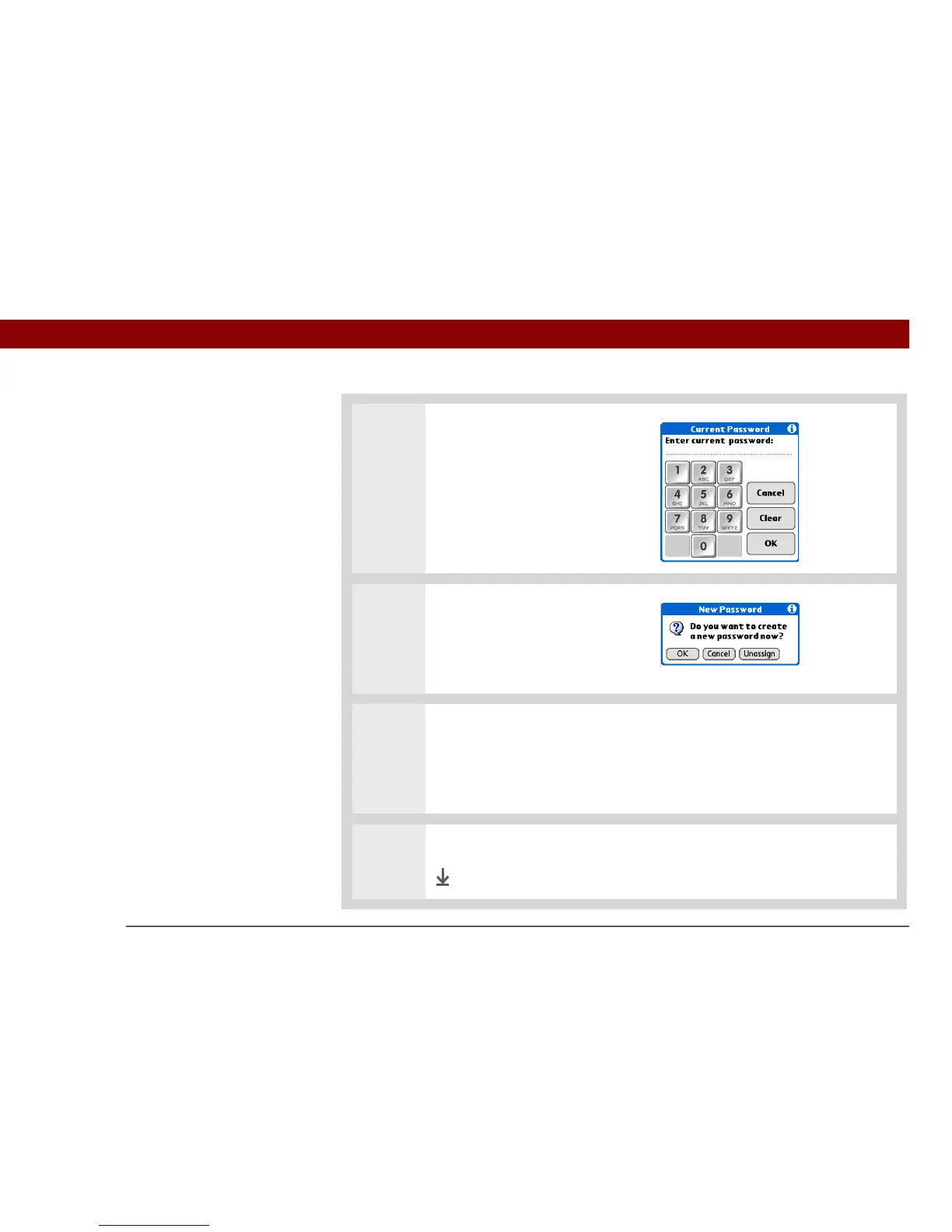
2 Enter your current password:
a. Select the Password box.
b. Enter the current password,
and then select OK.
3 Change your password:
a. Select OK.
b. Enter a new password, and
then select OK.
4 Confirm the password and enter a hint:
a. Enter the password again, and then select OK.
b. Enter a hint to help you remember the password if you forget it, and then
select Done.
5 Select Done.
Done



 To Next Page