Tungsten™ E2 Handheld 396
CHAPTER 17 Browsing the Web
Bookmarking your favorite pages
Bookmarking your favorite web pages allows you to quickly return to those pages.
Adding a bookmark
0
1 Go to Favorites and select Web .
2 Go to the web page that you want to bookmark.
3 Open the Bookmark Page dialog box:
a. Open the menus
.
b. Select Page, and then select Add Bookmark.
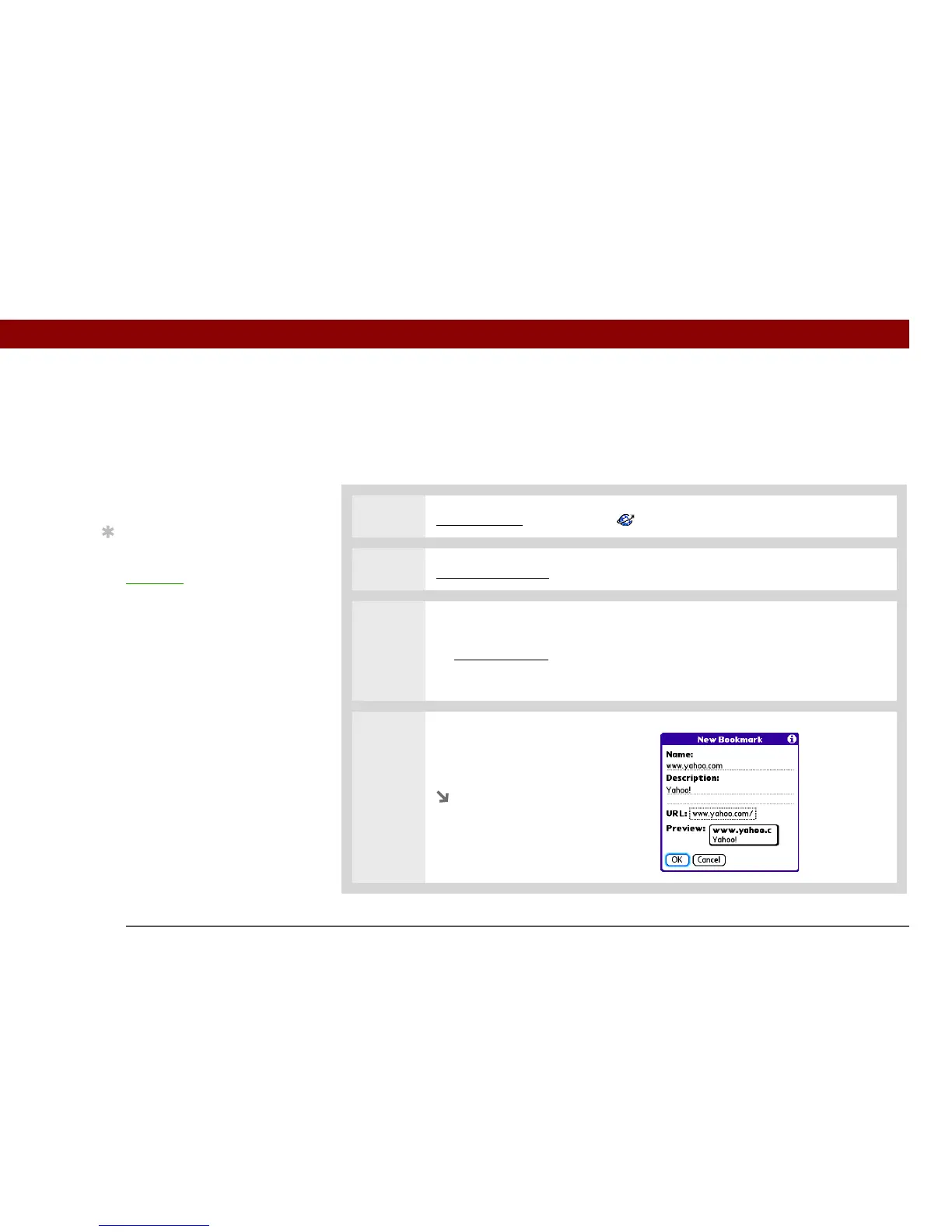
4 [ & ] OPTIONAL Change the
bookmark name, description, or
URL.
Continued
»
Key Term
Bookmark A pointer to a
web page. The actual
page is not stored, only
the URL. Also called a
Favorite in some
browsers.
Tip
You can set your
bookmark list as your
s
tart page.



 To Next Page