Tungsten™ E2 Handheld 395
CHAPTER 17 Browsing the Web
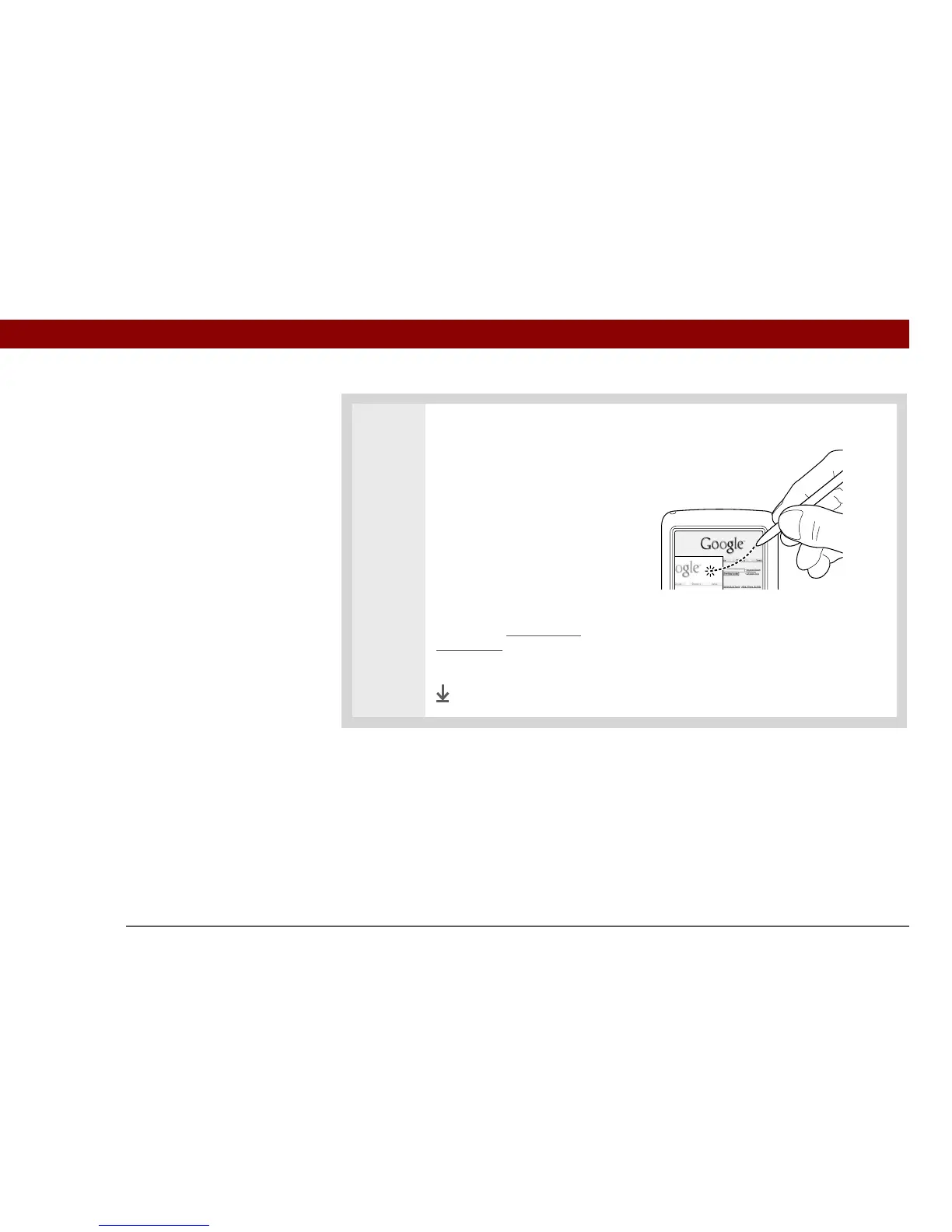
5 [ & ] OPTIONAL If the web
page is larger than your screen,
you can tap and drag the stylus
to move the web page in any
direction to view different parts
of the web page.
To activate the Tap and Drag
scrolling, you must set the Tap
and Drag setting in the General
Preferences tab under the
Options menu.
This feature is disabled when
you turn on Writing Area
Preferences and use the full
screen for Graffiti
®
2 writing.
Done



 To Next Page