Tungsten™ E2 Handheld 44
CHAPTER 4 Entering Information on Your Handheld
Using full-screen writing
When full-screen writing is turned on, you can write anywhere on the screen. When full-screen
writing is turned off, you must write character strokes in the Graffiti 2 input area for your handheld
to recognize them.
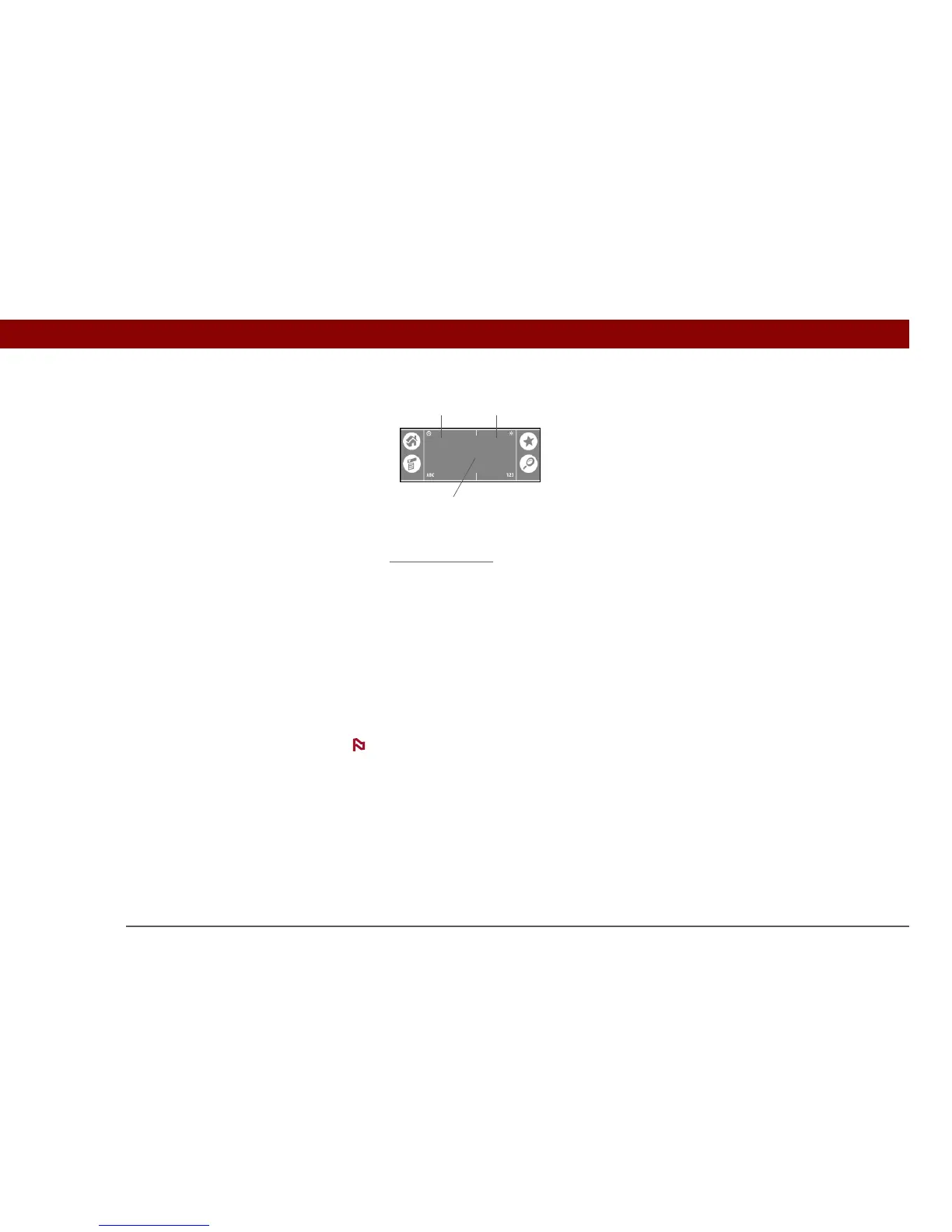
You can write letters or characters in the following areas:
Left side of the screen Write letters or characters that are assigned to the ABC input area.
Right side of the screen Write numbers or characters that are assigned to the 123 input area.
Middle of the screen straddling the imaginary dividing line between the left and right sides
Write uppercase letters.
For a brief period of time after writing a character, a quick tap on the screen is
interpreted as a period character. Wait a second before you tap a button or move the cursor so that
the action is not interpreted as a period character.
Write letters here Write numbers here
Write capital letters across the middle
NOTE



 To Next Page