Tungsten™ E2 Handheld 149
CHAPTER 7 Managing Your Calendar
Rescheduling an event
0
1
Press Calendar .
2 Go to the event you want to reschedule:
a. From Day View, select Go To.
b. Select the year, month, and date of the event.
c. Select the event description, and edit it if necessary.
If you edit the description of a repeating event, the new
description appears in all instances of the event.
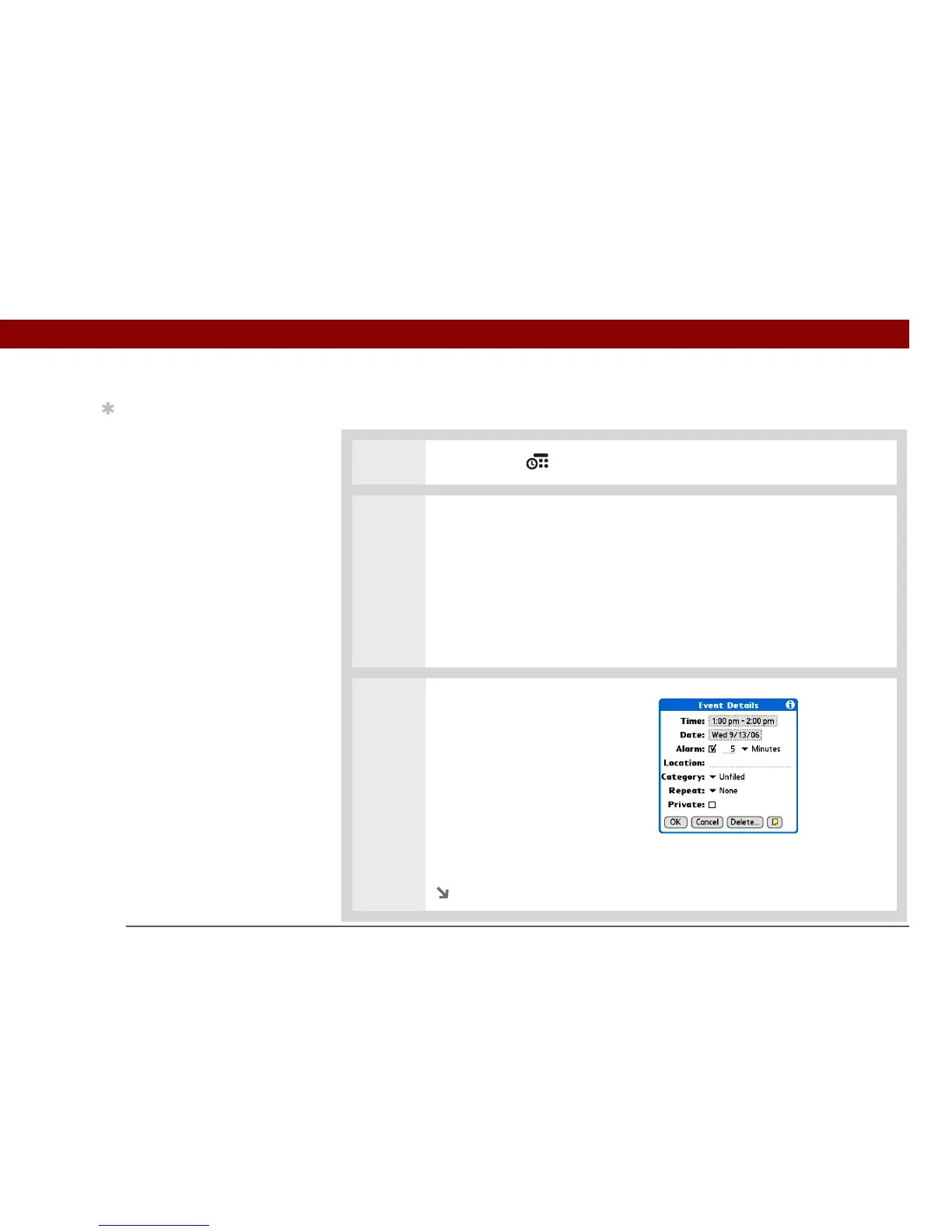
3 Change the date and time:
a. Select Details.
b. Select the Time box and
select the new start and end
times.
c. Select the Date box and select
the new date.
d. Select OK.
Continued
Tip
You can also use the
Event Details dialog box
to change the alarm,
location, category, repeat,
and privacy settings.
IMPORTANT
[
! ]



 To Next Page