Tungsten™ E2 Handheld 432
CHAPTER 19 Sharing Information
Sending an application using Bluetooth technology
0
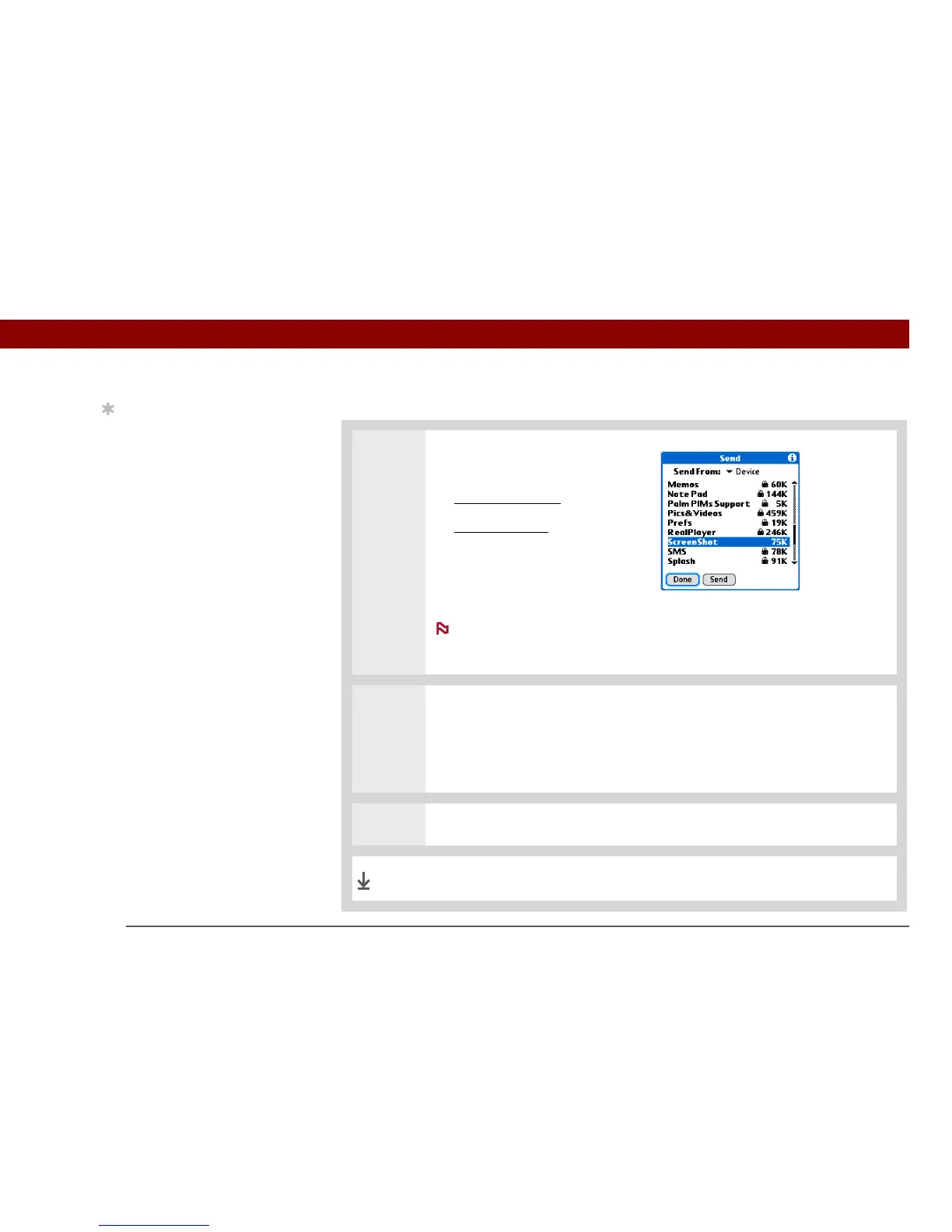
1 Select the application you want
to send:
a. Go to Applications
.
b. Open the menus
.
c. Select Send on the App menu.
d. Select the application you
want to send.
You cannot send an
application that has a lock icon
next to the application size.
2 Send the application:
a. Select Send.
b. Select Bluetooth, and then select OK.
3 Select the receiving device on the Discovery Results screen, and then select OK.
The information is sent to the receiving device.
Tip
Select the Send From pick
list to send an application
from an expansion card
inserted into the
expansion slot.
NOTE
Done



 To Next Page