Tungsten™ E2 Handheld 426
CHAPTER 18 Dialing Phone Numbers from Your Handheld
Editing a speed-dial entry
0
1 Go to Applications and select Dialer .
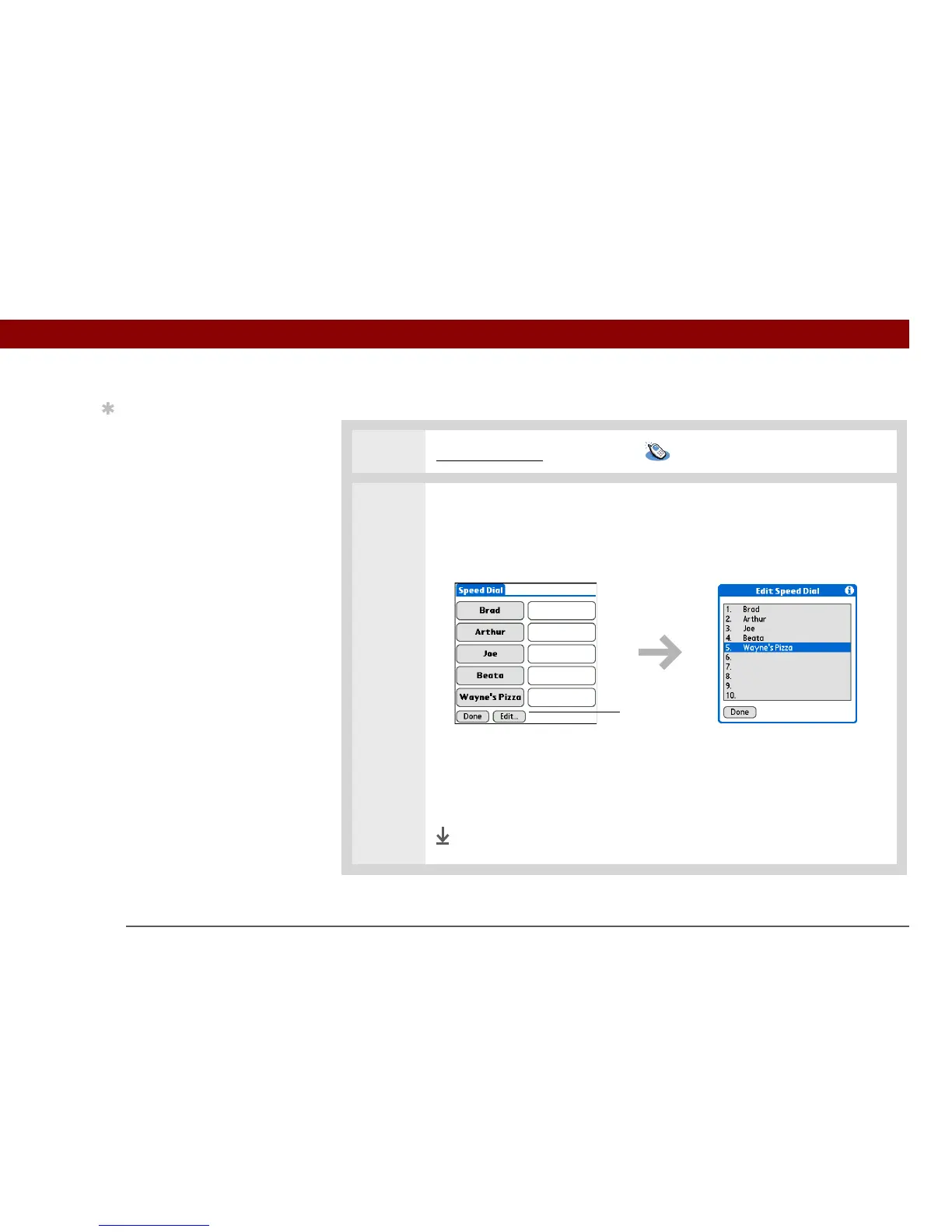
2 Edit an entry:
a. Tap Speed.
b. Tap Edit.
c. Tap an entry.
d. Edit the entry.
e. Tap OK, and then tap Done.
Done
Tip
You can go directly to the
Edit Entry dialog box by
tapping and holding a
speed dial button.
Tap Edit



 To Next Page