Tungsten™ E2 Handheld 311
CHAPTER 15 Sending and Receiving Email Messages
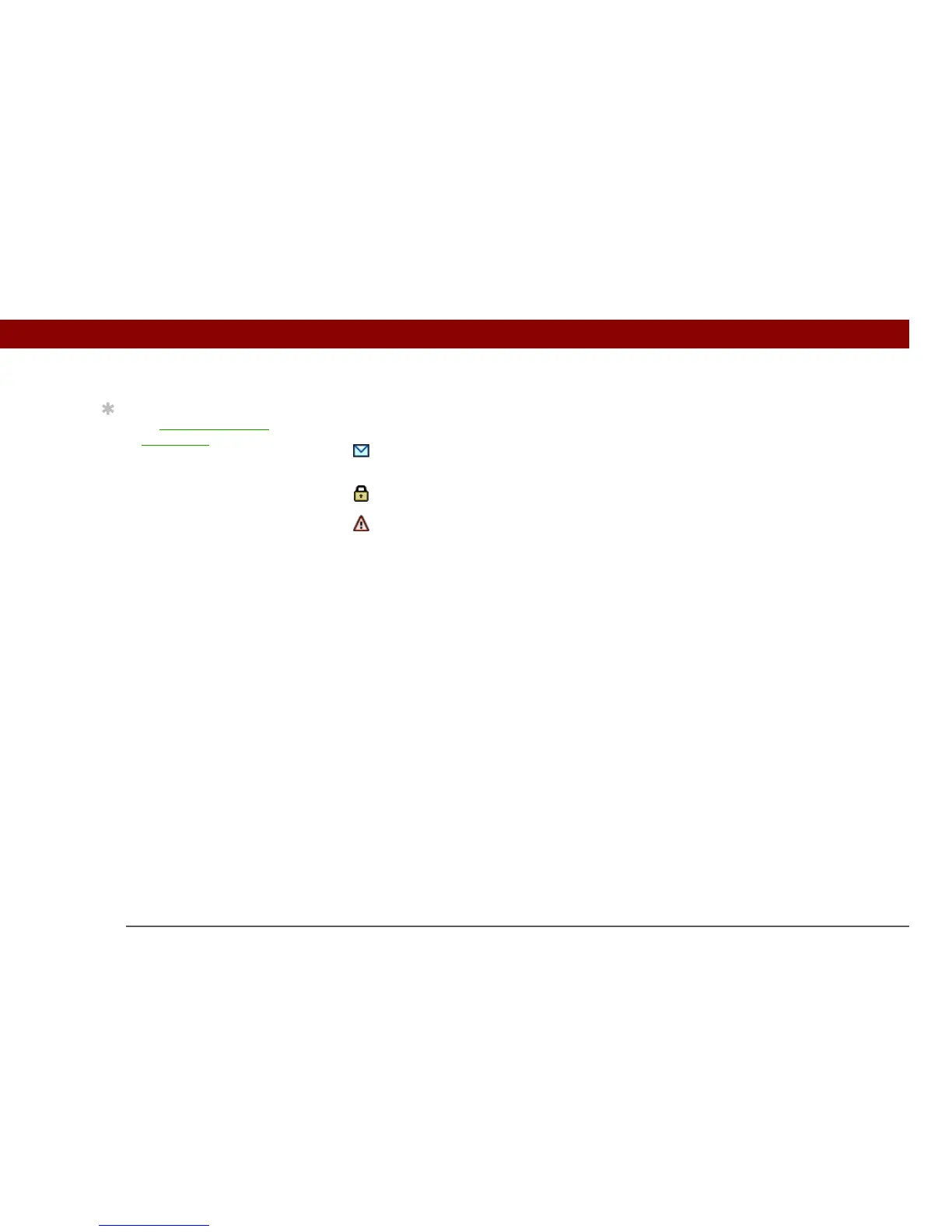
Outbox icons in the VersaMail application
The icons to the left of a message in the Outbox show the message’s status.
Message is waiting either to be manually sent or to be sent during the next send retry. You
can edit, move, or delete a message in this state.
Send retry is currently in process; you cannot edit, move, or delete a message in this state.
Third automatic send retry has failed. You must manually send a message in this state by
selecting Get & Send.
0
Tip
If you perform a soft reset
or synchronize
during
send retry, the retry
cancels. You must
manually send any
messages in the Outbox.



 To Next Page