Tungsten™ E2 Handheld 160
CHAPTER 7 Managing Your Calendar
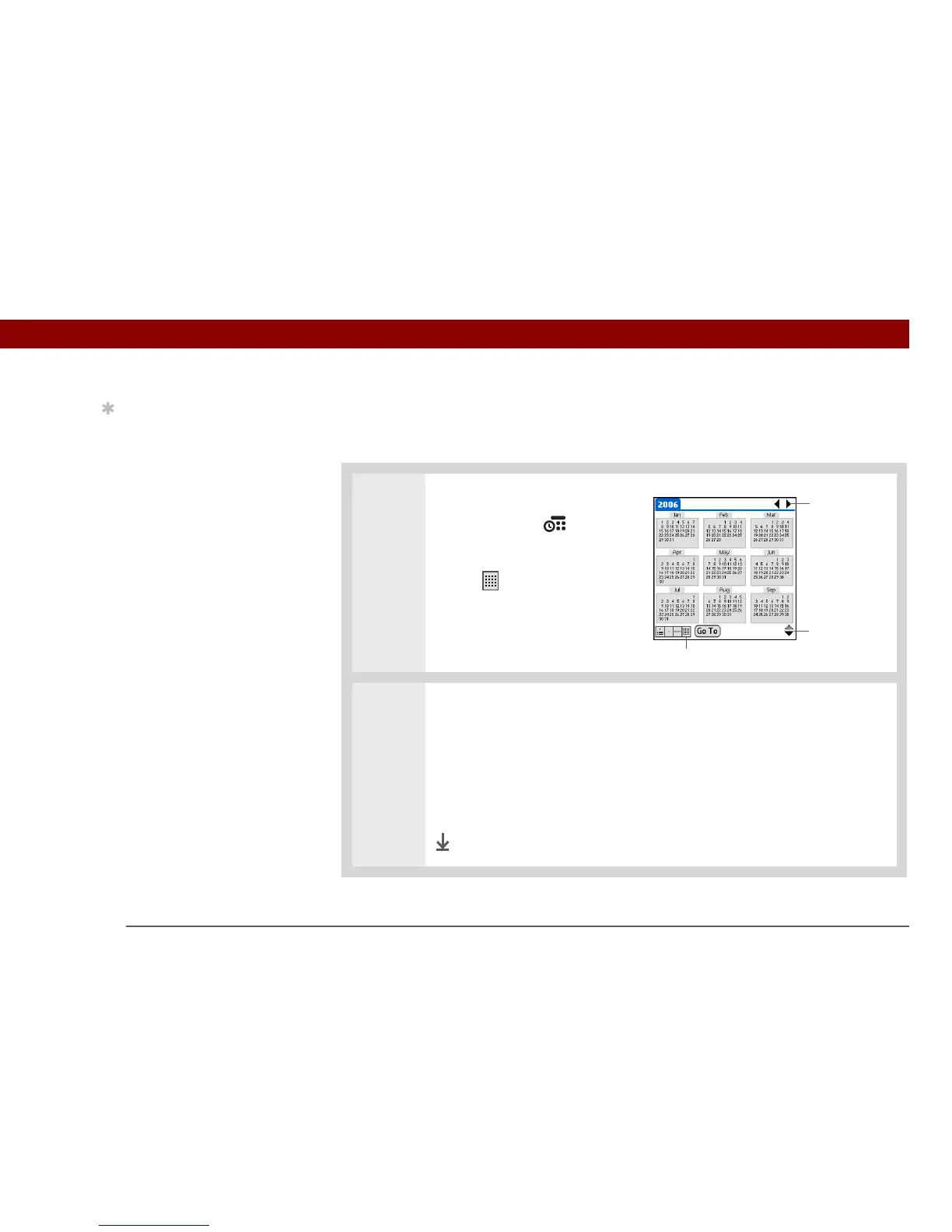
Viewing a yearly calendar
Year View shows a calendar for an entire year. You can scroll between years or jump to any other
year.
0
1 Open Year View:
a. Press Calendar .
b. Select the Month View
icon .
c. Select Year.
2 Do any of the following to view a yearly calendar:
• Select the year selector to scroll to the previous or next year, or select Go To
to choose a specific year.
• Select the scroll arrows to see months that don’t fit on the screen.
• Select a month to go to that month in Month View.
Done
Tip
You can also press Right
and Left on the 5-way to
scroll to the next or
previous month. To go to
Day View for a particular
date, press Center on the
5-way to insert a
highlight, press Right or
Left to select a date, and
then press Center on the
5-way again.
Month View icon
Scroll arrows
Year selector



 To Next Page