Tungsten™ E2 Handheld 156
CHAPTER 7 Managing Your Calendar
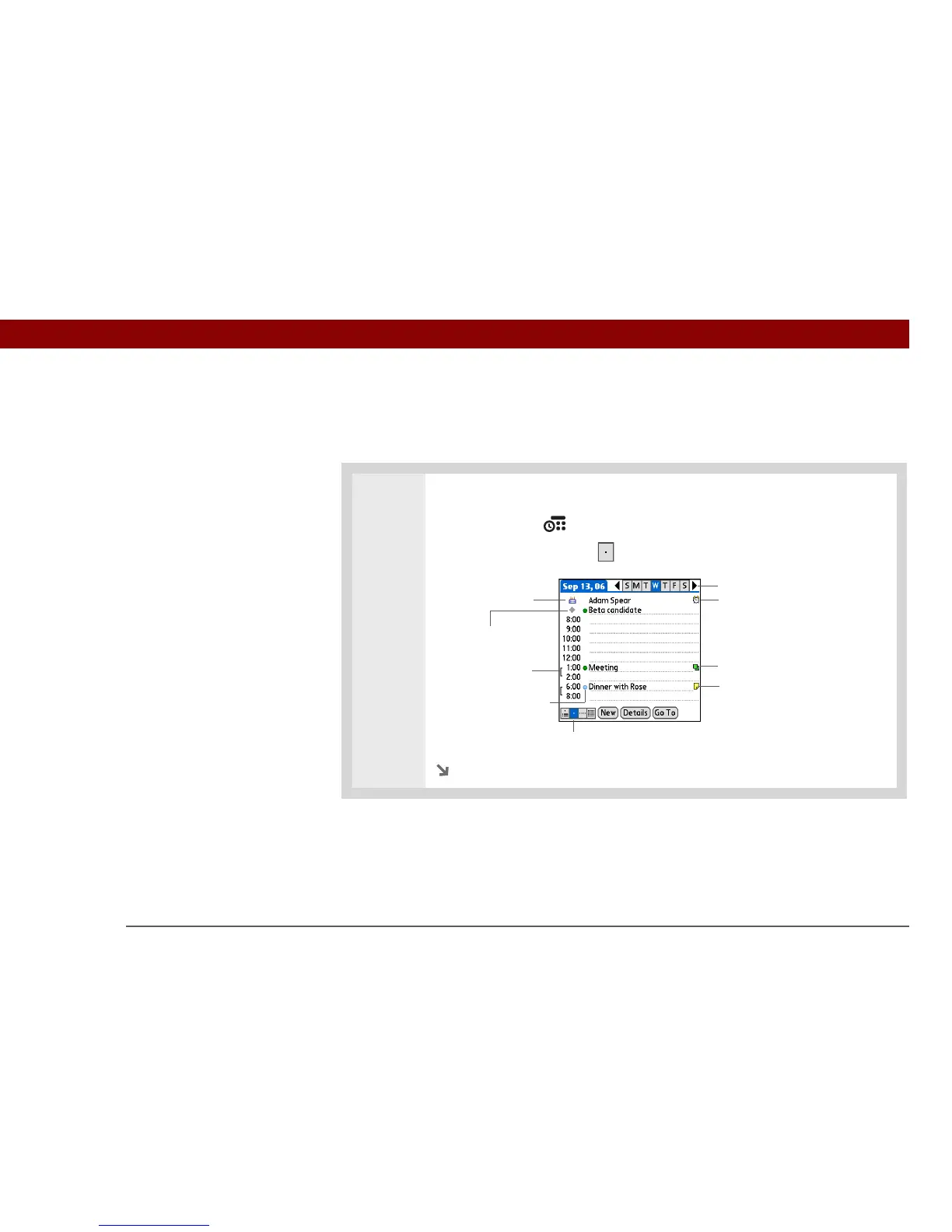
Viewing your daily schedule
Day View shows your daily schedule one day at a time. You can scroll between days in the current
week or jump to any other date.
0
1 Open Day View:
a. Press Calendar .
b. Select the Day View icon .
Continued
Day View icon
Repeat icon
No-time icon
Alarm icon
Day selector
Note icon
Event duration
Birthday icon
Category marker



 To Next Page