Tungsten™ E2 Handheld 491
CHAPTER 24 Managing Clock Settings
Setting the date and time for the primary location
You can set the date and time in Preferences, as you did during the initial setup of your handheld,
or in World Clock. When you change the date and time in one application, it is automatically
changed in the other.
0
1 Go to Applications and select World Clock .
2 Select Set Date & Time.
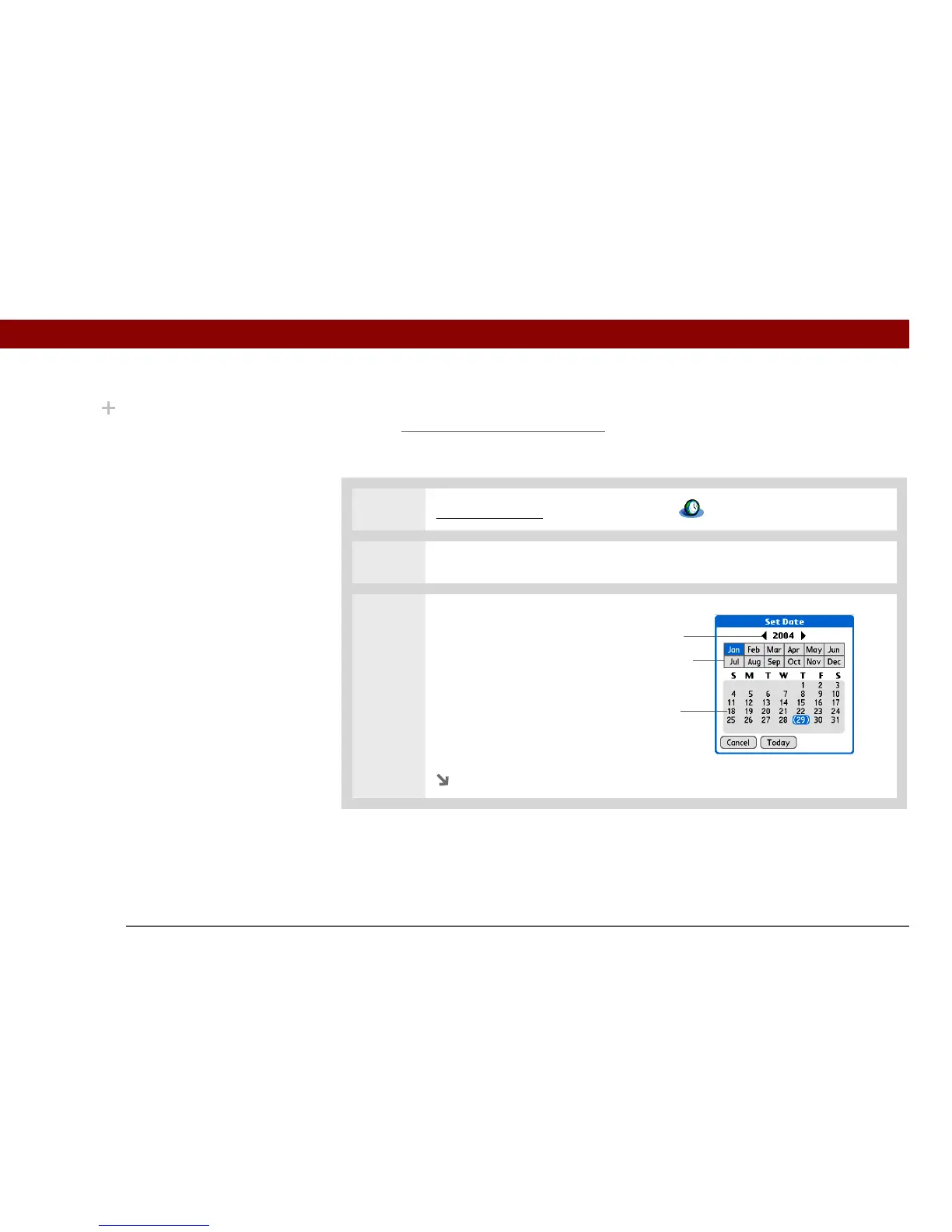
3 Set the date:
a. Select the Set Date box.
b. Select the arrows to select the
current year.
c. Select the current month.
d. Select the current day.
Continued
Did You Know?
When the Daylight
Savings settings are
active, the time changes
according to the rule for
the primary location. For
example, in North
America, the time
changes at 2:00 a.m.; in
Europe, it changes at
1:00 a.m.
Year
Month
Day



 To Next Page