Tungsten™ E2 Handheld 492
CHAPTER 24 Managing Clock Settings
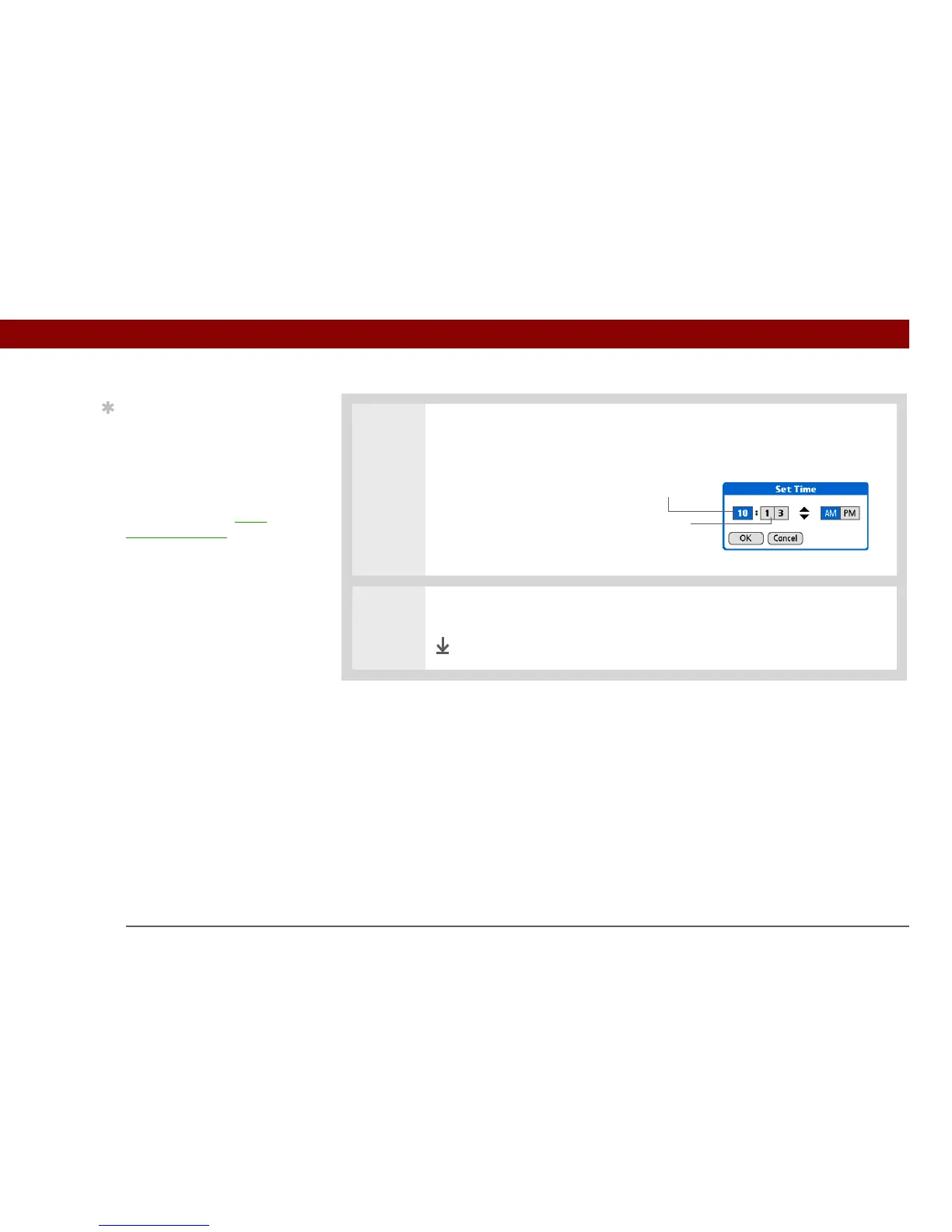
4 Set the time:
a. Select the Set Time box.
b. Select the hour and minute
boxes, and then select the
arrows to change them.
c. Select AM or PM, and then
select OK.
5 Select Done.
Done
Tip
Selecting a time zone
when creating a new
event in Calendar allows
you to travel and have
your events automatically
adjust to the time zone in
your new location. Time
zones in Calendar work
only if you are
synchronizing with Outlook
or Exchange ActiveSync.
Hour
Minute



 To Next Page