Tungsten™ E2 Handheld 220
CHAPTER 11 Managing Your Tasks
Scheduling a repeating task—unusual interval
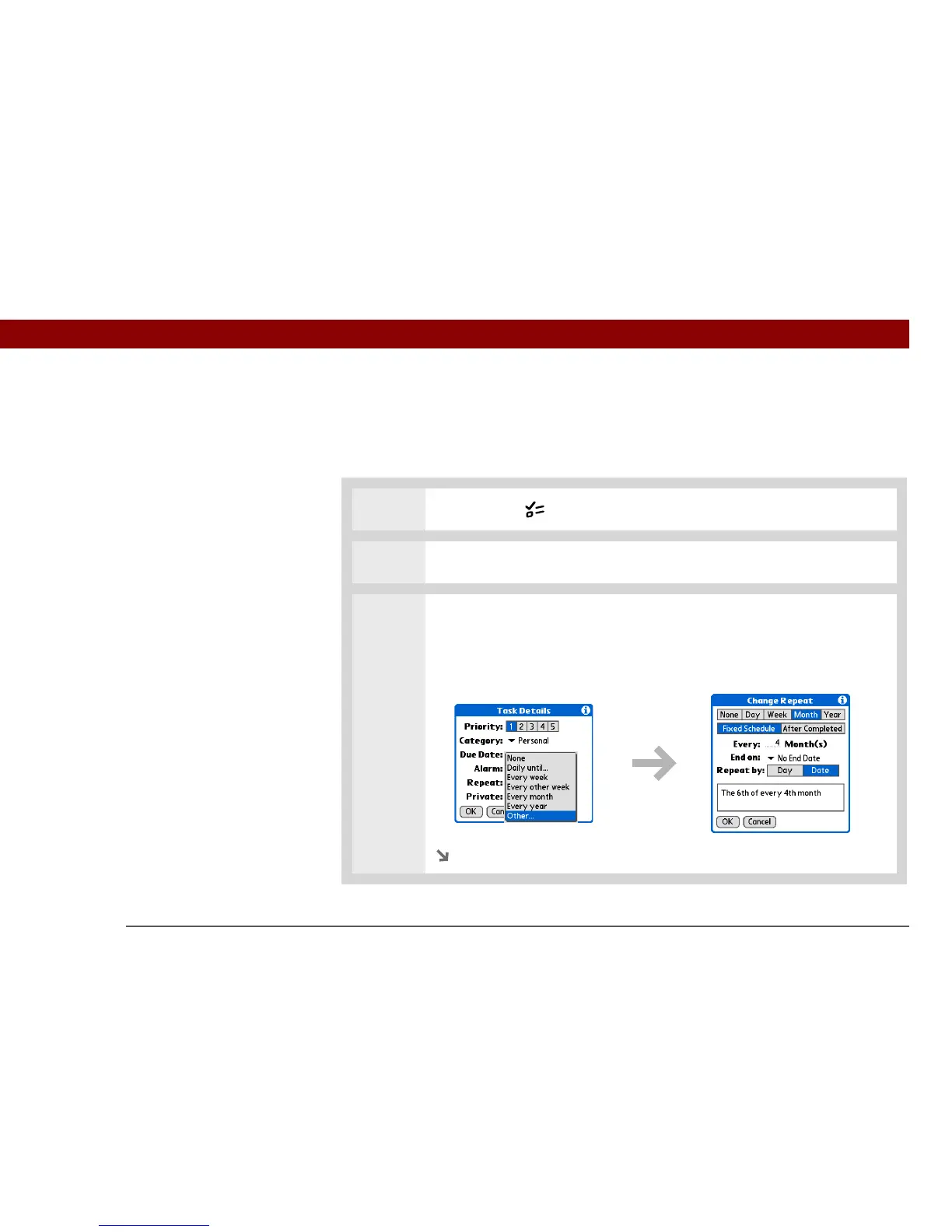
For tasks that don’t fit neatly into the preset repeat intervals, you can set up your own repeat
intervals. For example, enter tasks for paying a quarterly insurance bill or a credit card bill that is
due every 28 days, or changing your smoke detector battery every six months.
0
1 Press the Tasks button.
2 Enter the task you want to repeat, and assign it a due date.
3 Open the Change Repeat dialog box:
a. Select Details.
b. Select the Repeat pick list and select Other.
Continued



 To Next Page