Tungsten™ E2 Handheld 206
CHAPTER 10 Listening to Music
Managing playlists
You can create dozens of playlists with your favorite songs.
Creating a playlist
0
1 On your handheld, go to Favorites and then select RealPlayer .
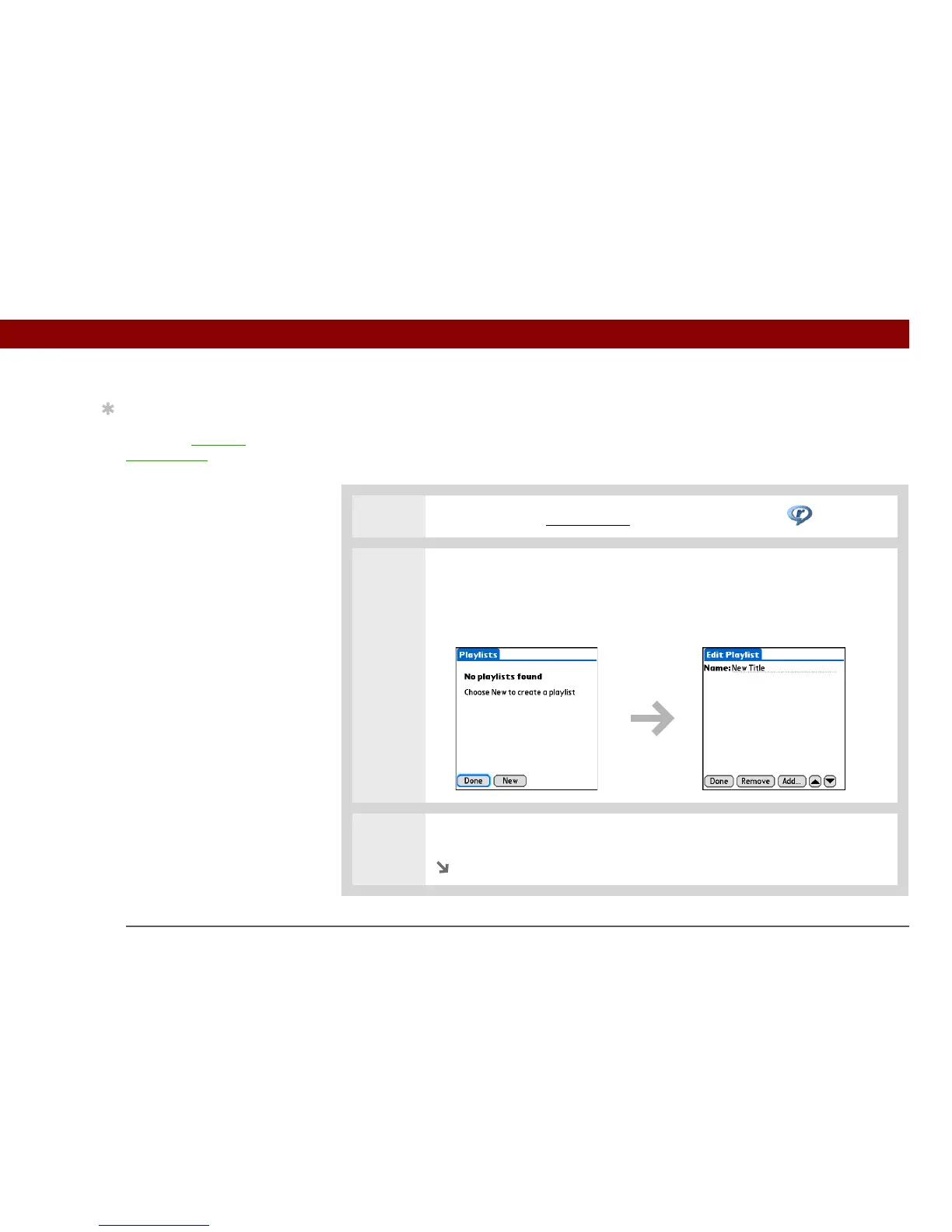
2 Open the Edit Playlist screen:
a. Tap Playlists.
b. Select New.
3 Enter a name for the playlist.
Continued
Tip
For tips on using
RealPlayer, open the
Options menu and select
Help.



 To Next Page