Tungsten™ E2 Handheld 532
CHAPTER 25 Customizing Your Handheld
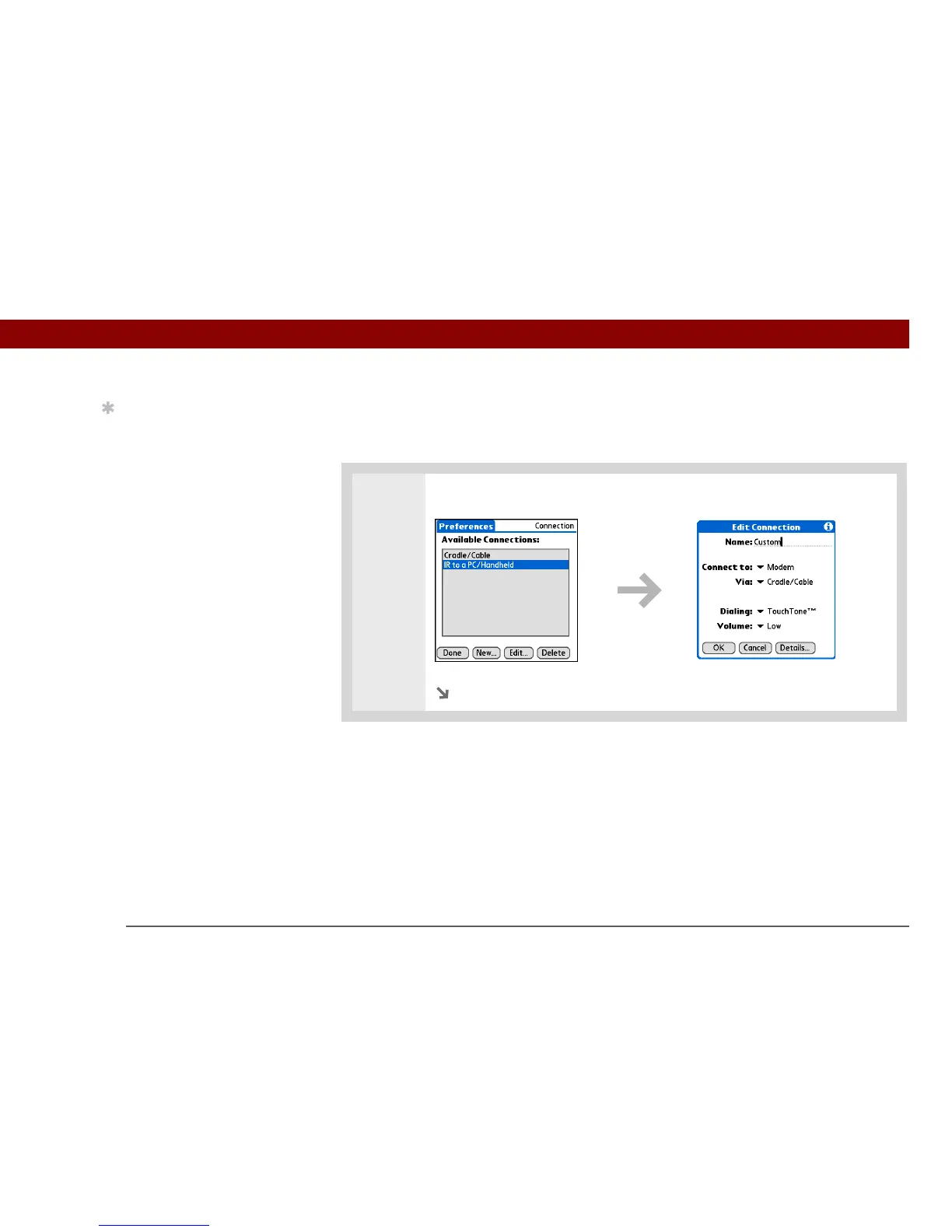
Creating your own connection settings
If none of the preset connection settings are close to what you need, or if you’re already using all
the connections as they are, you can create a new connection.
0
1 From the Connection Preferences screen, select New.
Continued
Tip
To delete a connection
that you created, select it
on the Connection
Preferences screen, and
then select Delete.



 To Next Page