Tungsten™ E2 Handheld 444
CHAPTER 20 Managing Your Expenses
Presetting the currency symbol
Choose which currency symbols appear when you add a new expense.
0S
Cont’d.
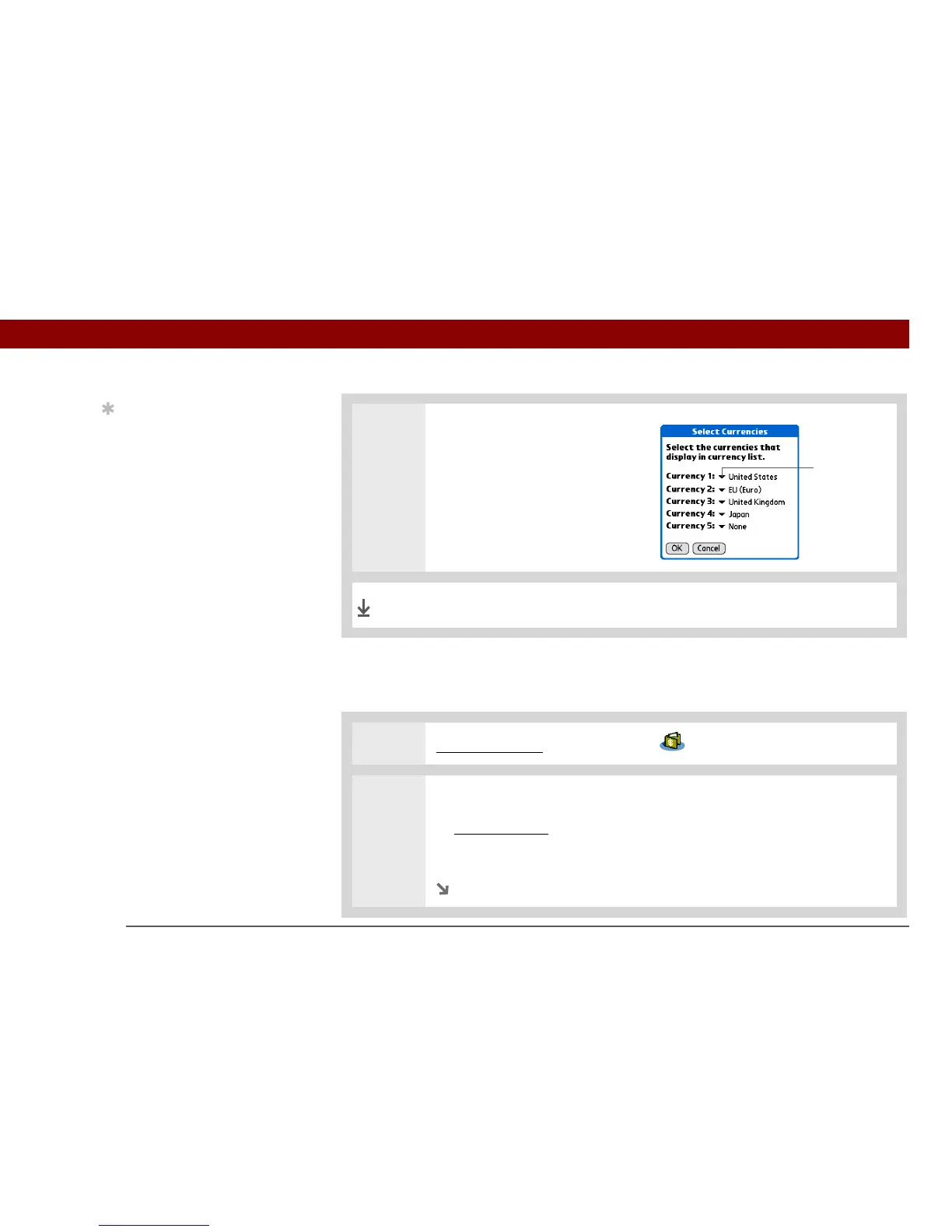
b. Select one of the Currency
pick lists and select the name
of the country whose currency
symbol you want to display.
c. Select OK, and then select OK
again.
The expense list now displays the currencies you selected.
1 Go to Applications and select Expense .
2 Open Expense Preferences dialog box:
a. Open the menus
.
b. Select Options, and then select Preferences.
Continued
Currency
pick list
Done
Tip
If you’re entering several
expenses that all use the
same currency, change
the preset currency to
that symbol to save time.
When you’re finished
with those expenses,
change it again to the
next one you’ll use.



 To Next Page