Tungsten™ E2 Handheld 393
CHAPTER 17 Browsing the Web
Quickly jumping to a page
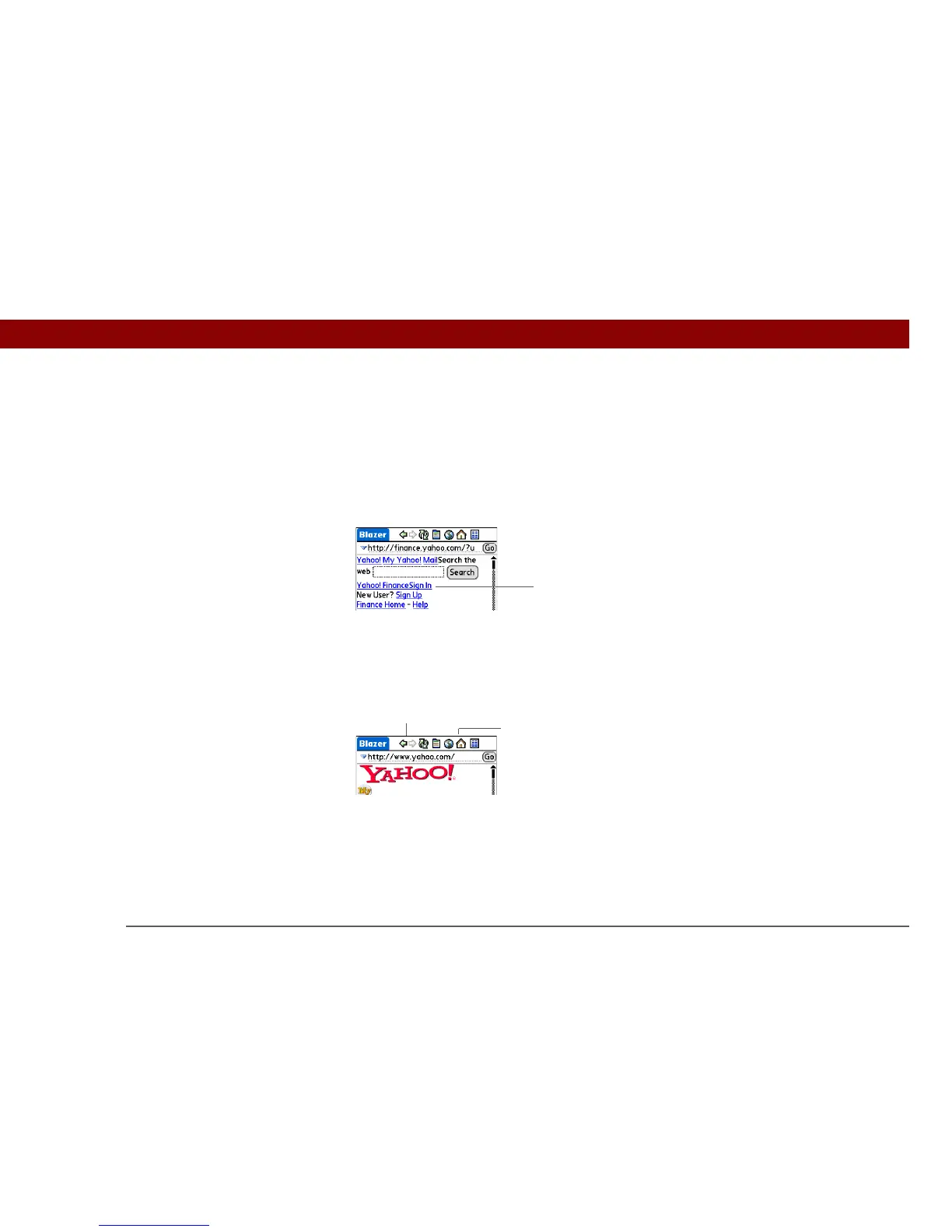
The action bar icons allow you to quickly move from page to page.
Following a link
Many web pages contain underlined links, which are text or pictures that, when selected, take you
to another web page or to another part of the same page.
Returning to your home page or a page you recently visited
No matter where you navigate on the Internet, you can always return to your home page quickly or
return to a page you have recently visited.
Select the link to go to
another web page
Select the Home icon to go
to your home page
Select the back and forward
arrows to go to previous pages



 To Next Page