Tungsten™ E2 Handheld 473
CHAPTER 22 Keeping Your Information Private
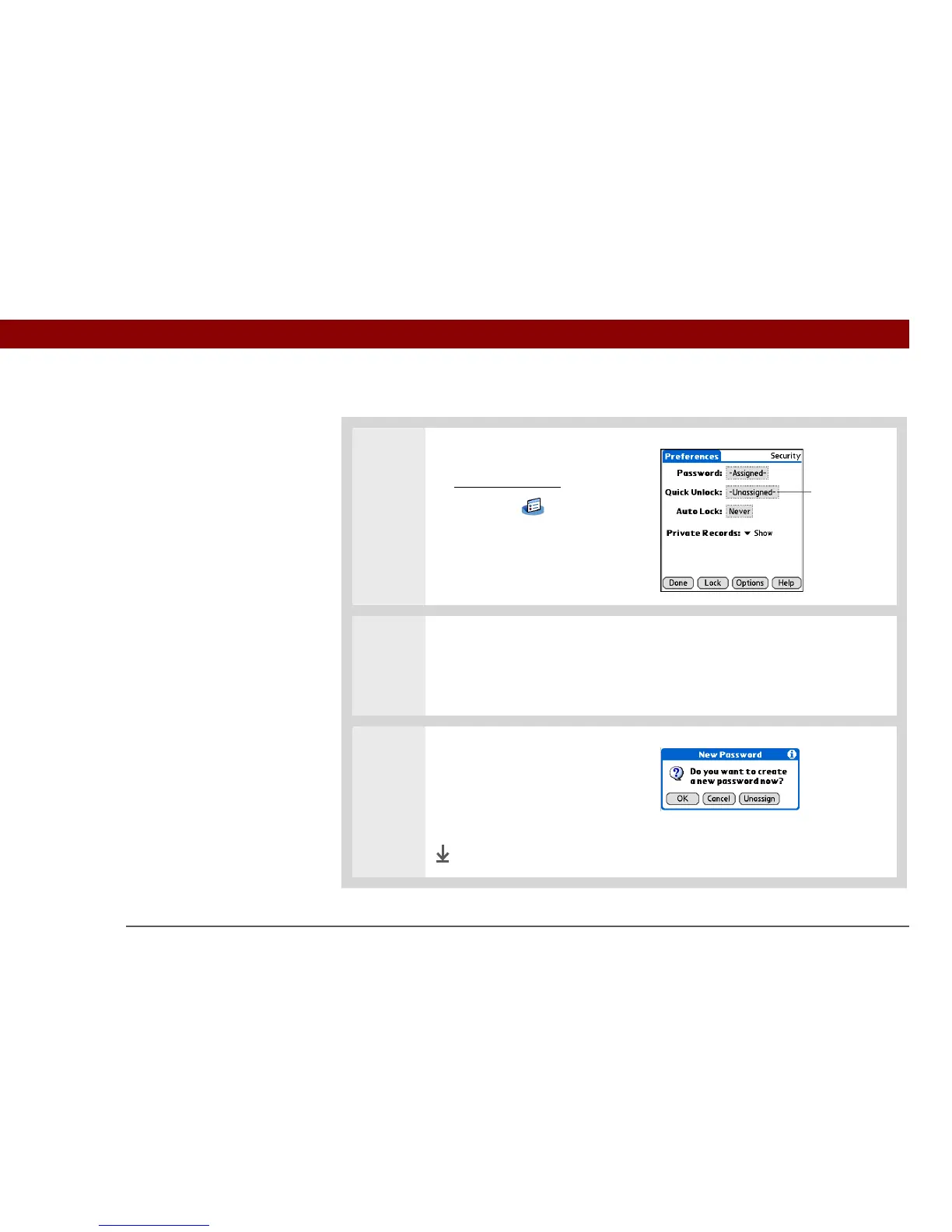
Deleting your Quick Unlock combination
0
1 Open Security:
a. Go to Applications
, and then
select Prefs .
b. Select Security.
2 Open the Quick Unlock dialog box:
a. Select the Quick Unlock box.
b. If necessary, enter your password, and then select OK.
3 Delete the Quick Unlock
combination:
a. Select Unassign.
b. Select Done.
Done
Quick Unlock box



 To Next Page