Tungsten™ E2 Handheld 472
CHAPTER 22 Keeping Your Information Private
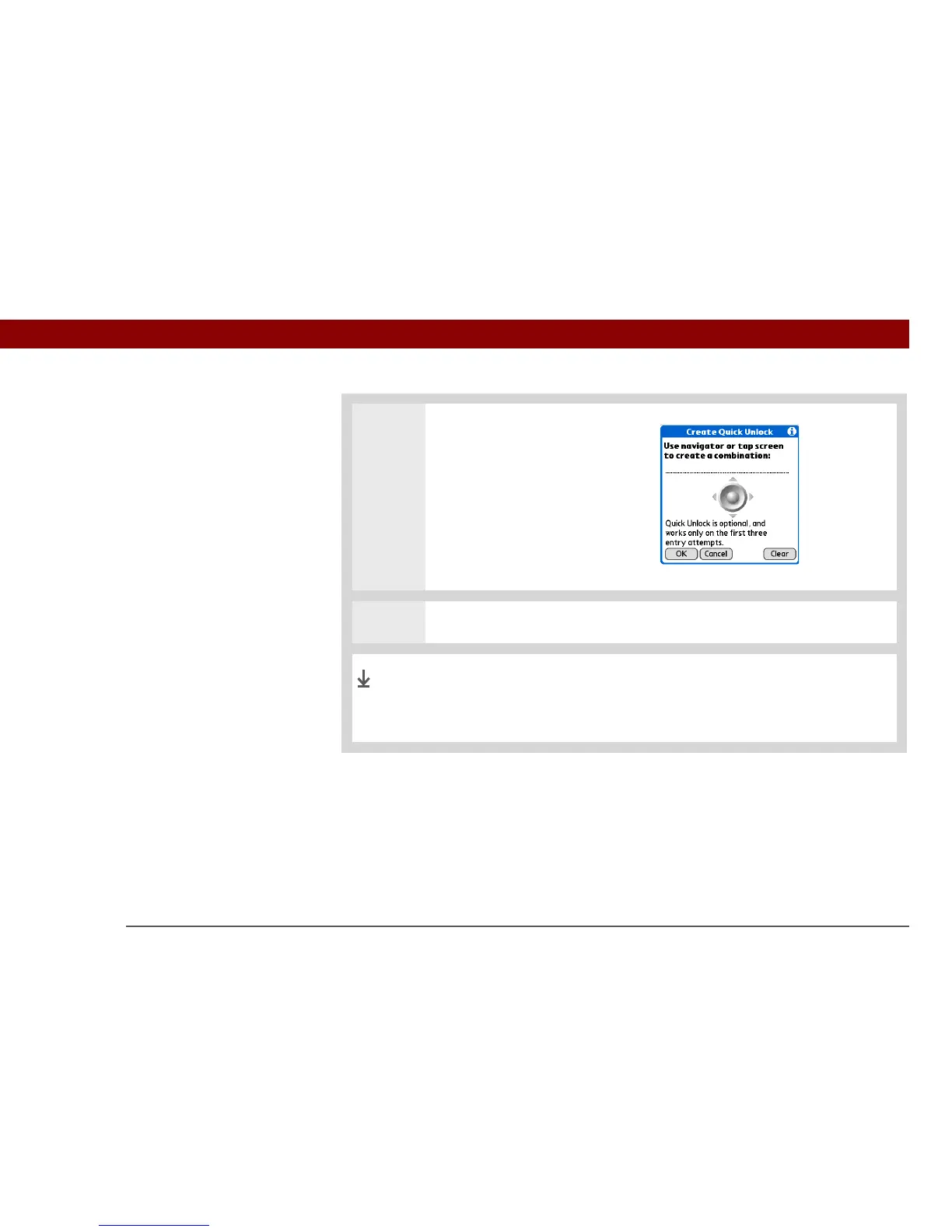
3 Create a Quick Unlock
combination sequence:
a. Use the 5-way or tap the
onscreen navigator to create a
combination.
For example, you might
choose Left-Right-Left as a
combination.
b. Select OK.
4 Select Done.
When your handheld is locked, you can now unlock it by using the
Quick Unlock combination. If you forget your combination, you are
asked to enter your password.
Done



 To Next Page