Tungsten™ E2 Handheld 57
CHAPTER 4 Entering Information on Your Handheld
Entering information with the onscreen keyboard
You can use the onscreen keyboard in any application where you need to enter text, numbers, or
symbols on your handheld.
0
1
Open an entry:
a. Open an
application.
b. Select an entry or select New.
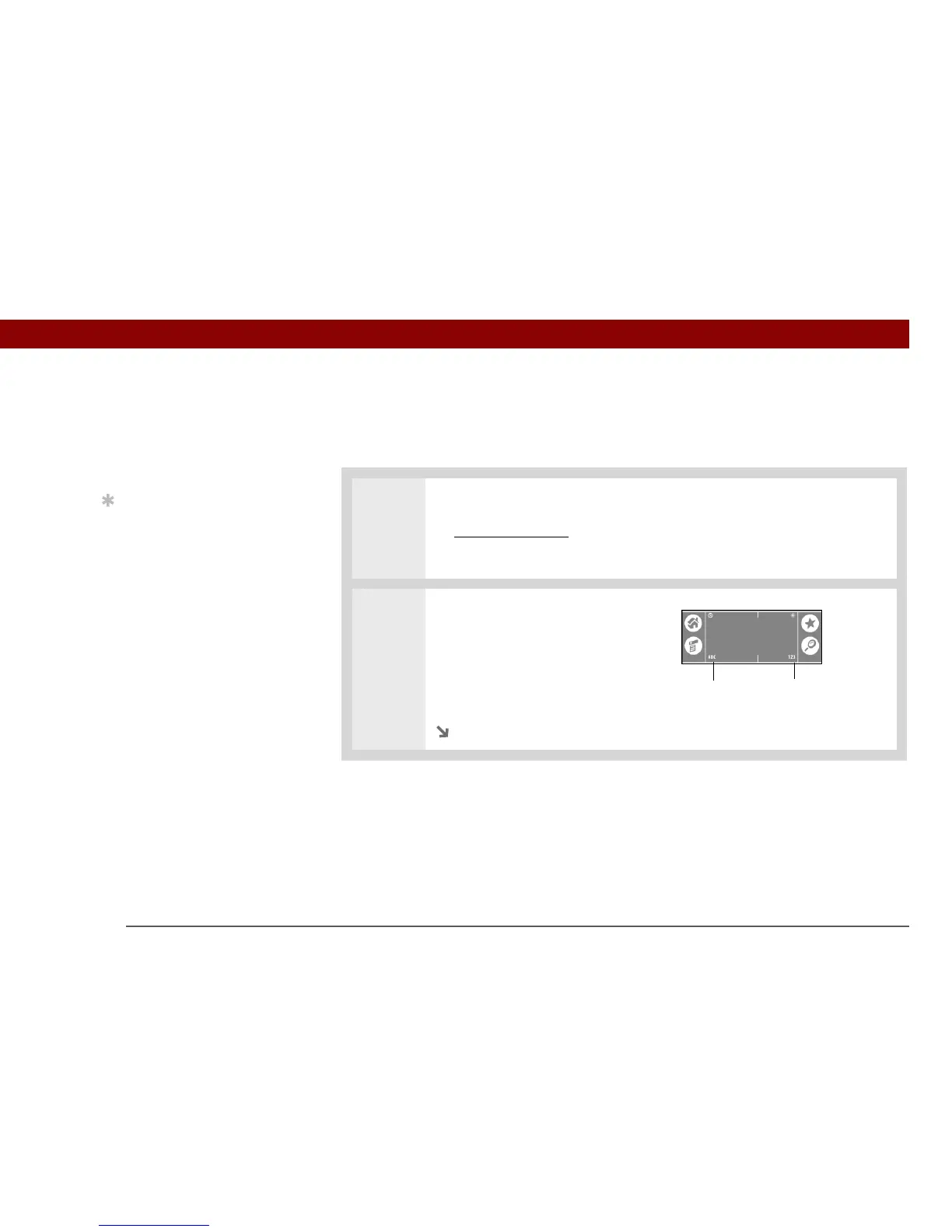
2 Tap one of the following to open
an onscreen keyboard:
ABC Opens the letter keyboard.
123 Opens the number
keyboard.
Continued
»
Key Term
Entry An item in an
application such as a
contact in Contacts or an
appointment in Calendar.
Tip
You can enter text
whenever you see a
blinking cursor on the
screen.
Letter keyboard
Number keyboard



 To Next Page