Tungsten™ E2 Handheld 71
CHAPTER 5 Moving Info Between Your Handheld and Your Computer
Synchronizing with your computer
You can synchronize using a cable or your IR port.
Synchronizing with a cable
0
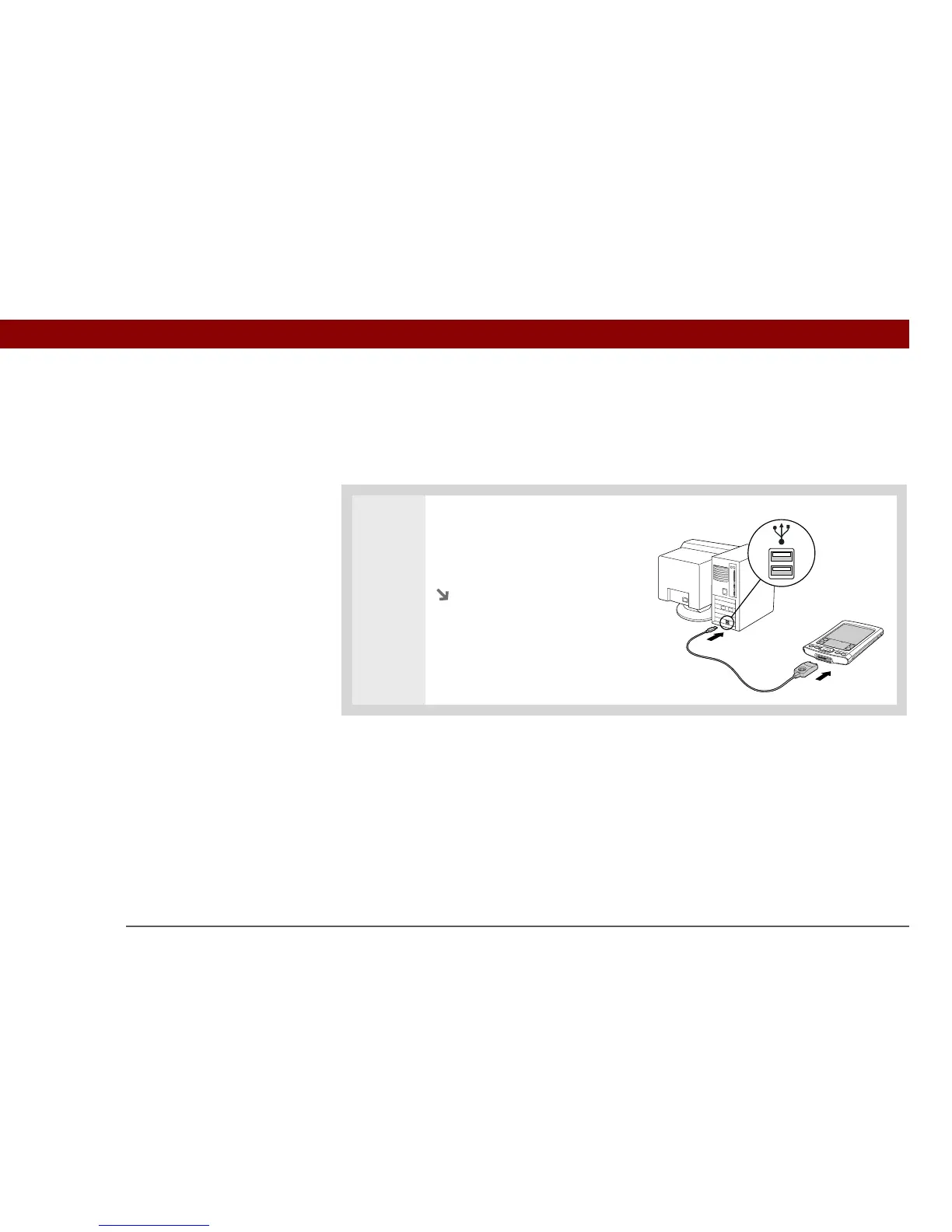
1 Connect the USB sync cable to
the USB port on your computer,
and then insert the other end into
your handheld.
Continued



 To Next Page