Tungsten™ E2 Handheld 399
CHAPTER 17 Browsing the Web
Arranging the bookmark list
The web browser includes ten pages so that you can arrange bookmarks and saved pages in a
logical fashion. For example, you can store travel links on one page, stock links on another, and
business links on a third page.
0
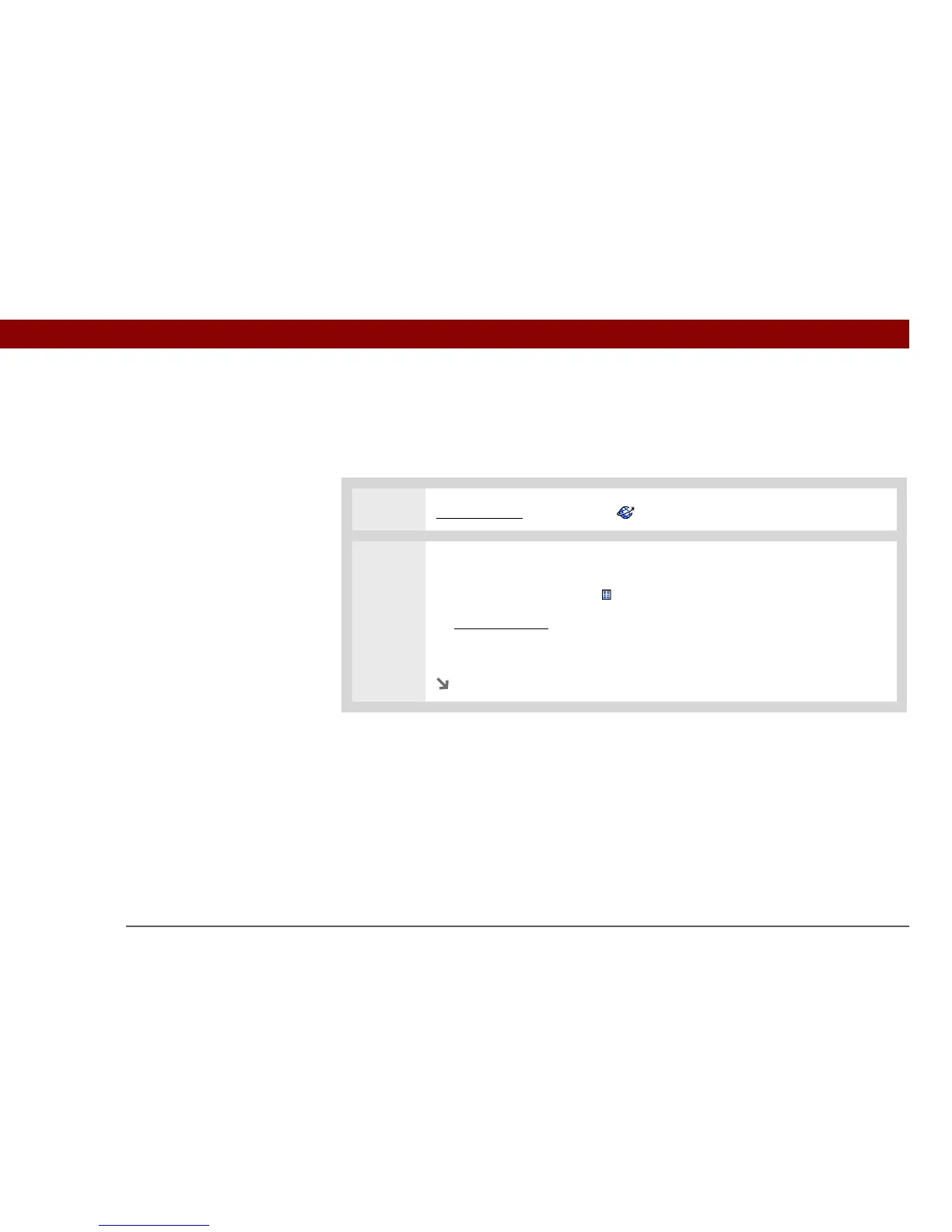
1 Go to Favorites and select Web .
2 Go to the Edit Bookmarks List dialog box:
a. Select the Bookmark icon .
b. Open the menus
.
c. Select Edit Bookmarks in the Bookmarks menu.
Continued



 To Next Page