Tungsten™ E2 Handheld 400
CHAPTER 17 Browsing the Web
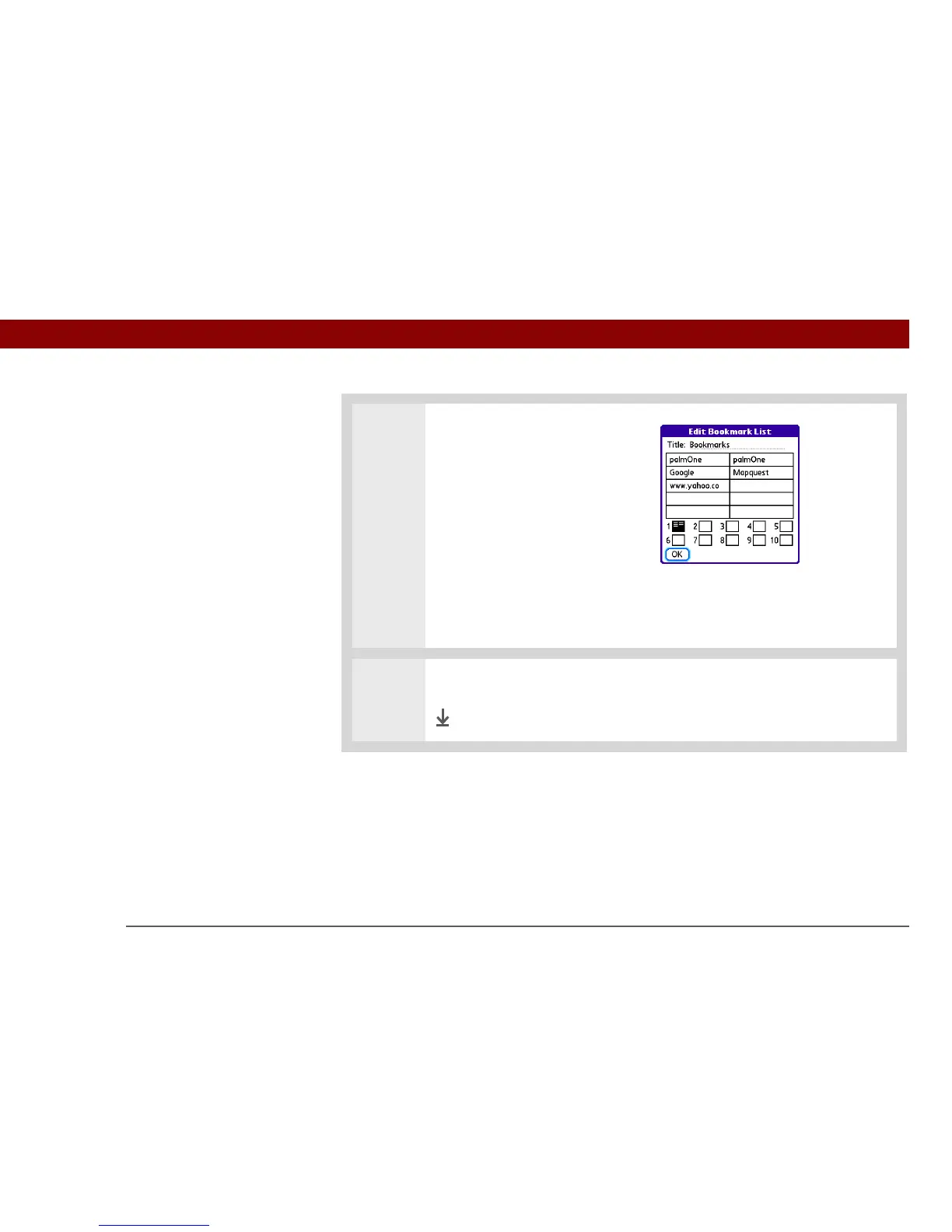
3 Arrange the bookmarks:
a. Use the stylus to drag and
drop bookmarks into different
slots on the current page to
organize them.
b. Move a bookmark to a
different page by dragging
and dropping it onto the Page
icon. Ten page icons at the
bottom of the dialog box
represent the pages on each
of which you can add ten
bookmarks.
4 Select OK.
Done



 To Next Page