Tungsten™ E2 Handheld 490
CHAPTER 24 Managing Clock Settings
Checking the current date and time
You can easily check the current date and time:
a. Go t
o Applications and select World Clock .
b. Press the Calendar button., and select the Agenda View icon .
Setting the primary location
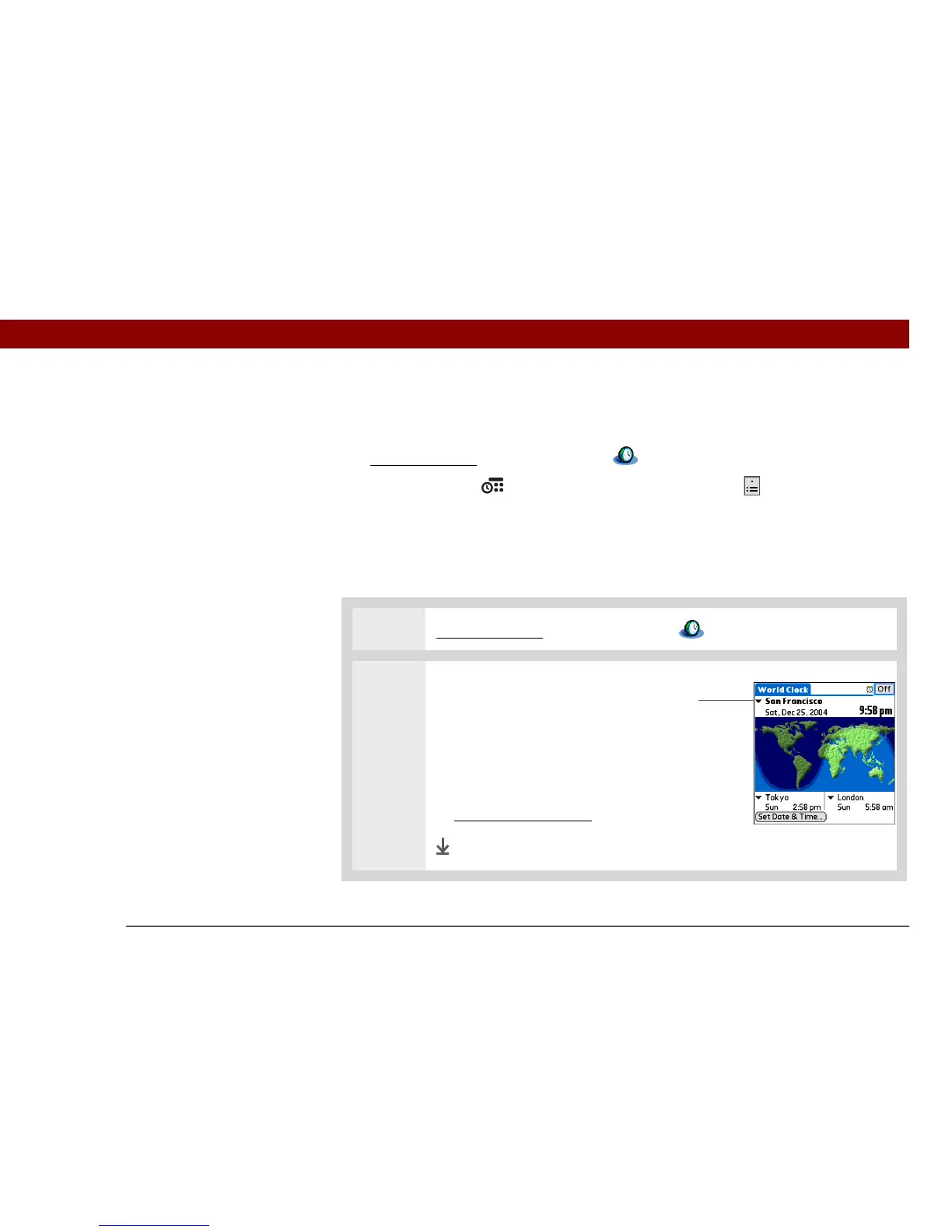
In World Clock, you can set the location, date, and time for a primary location. The settings for this
primary location are used by all of the applications on your handheld.
0.
1 Go to Applications and select World Clock .
2 Select the primary location:
a. Select the primary location
pick list.
b. Select the location you want
to be the primary location.
If you need more choices,
modify the locations list
.
Done
»
Key Term
Primary location
Typically a city in the time
zone in which you live.
Primary location
pick list



 To Next Page